
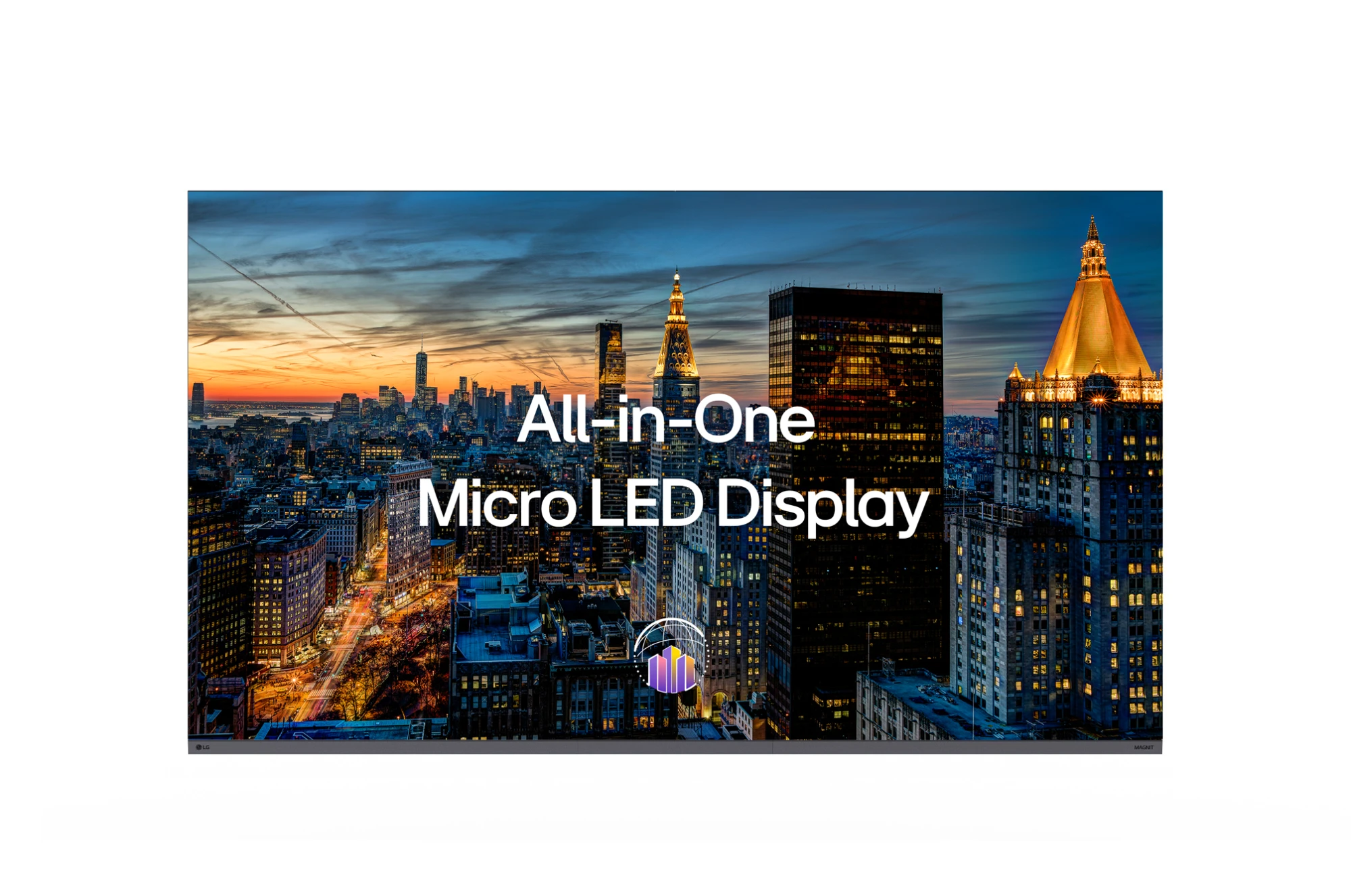

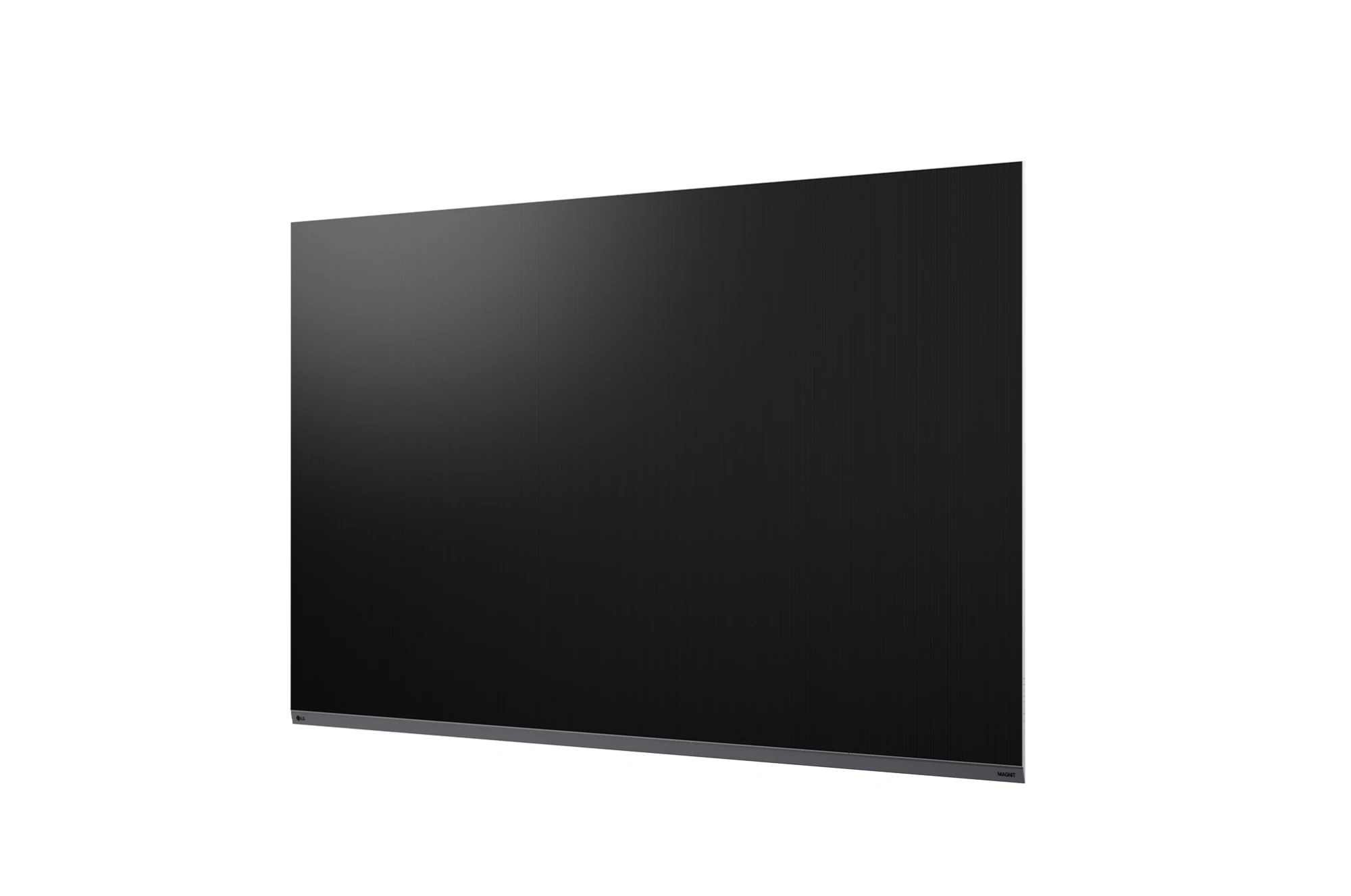

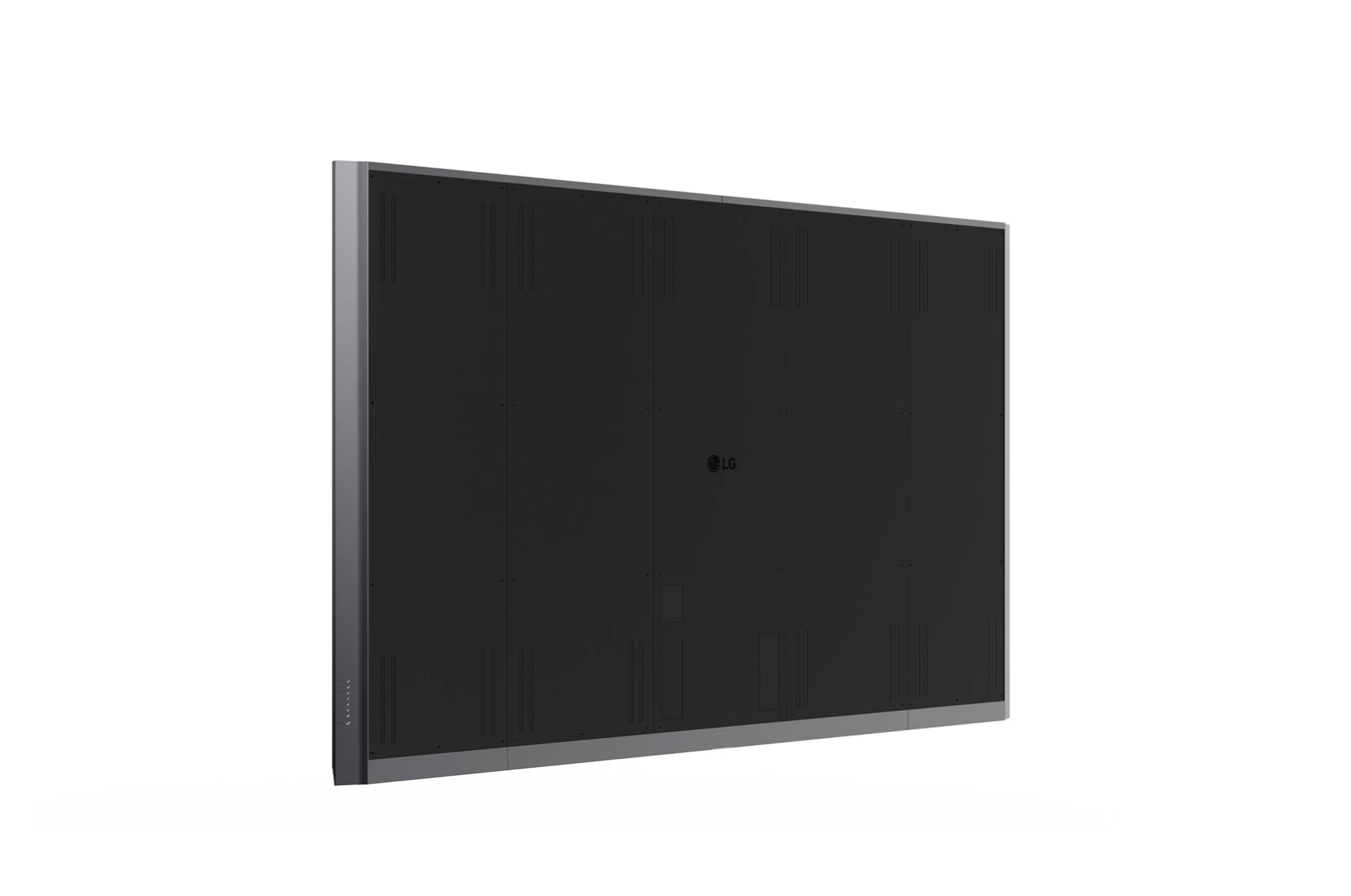
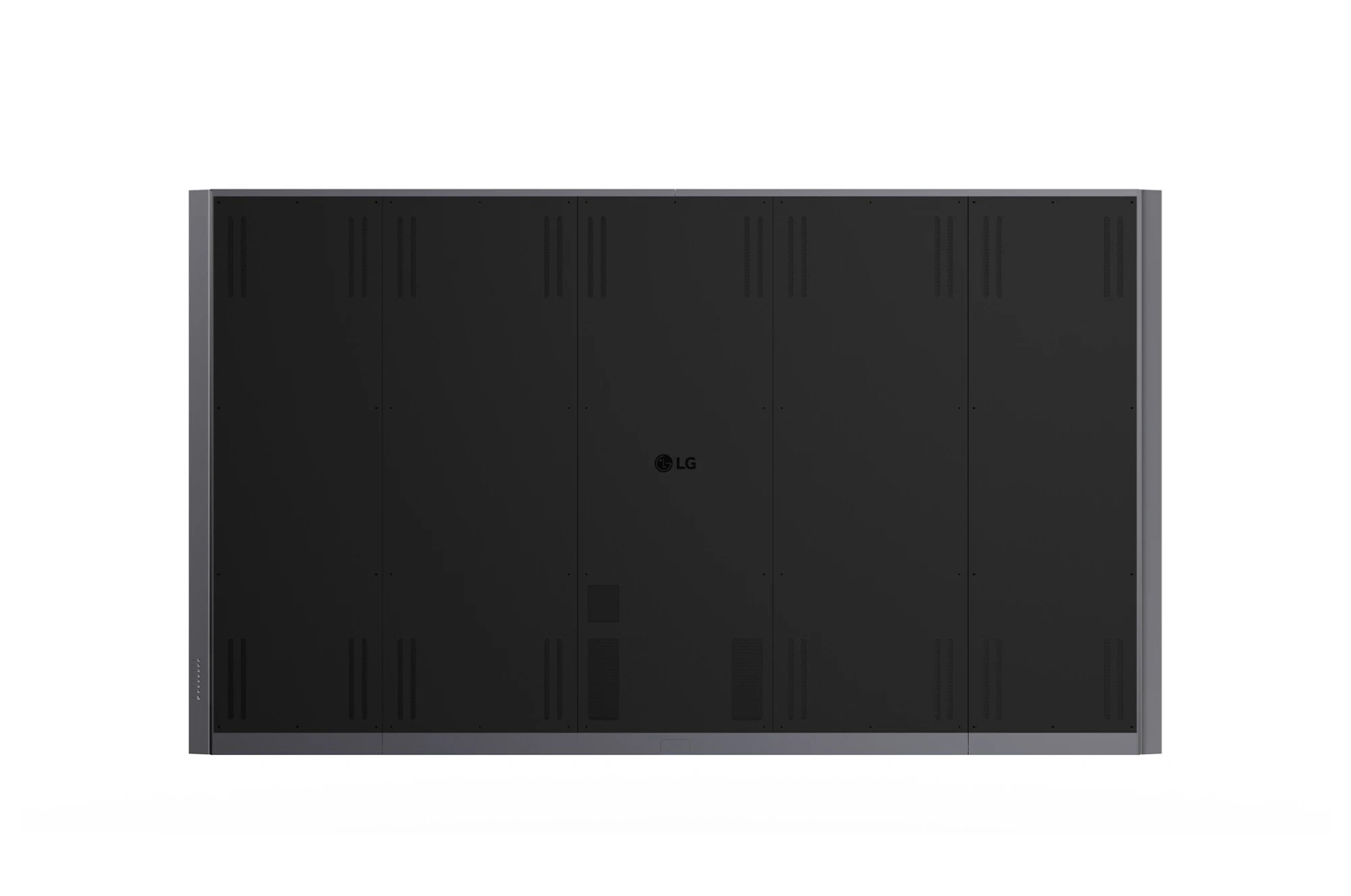
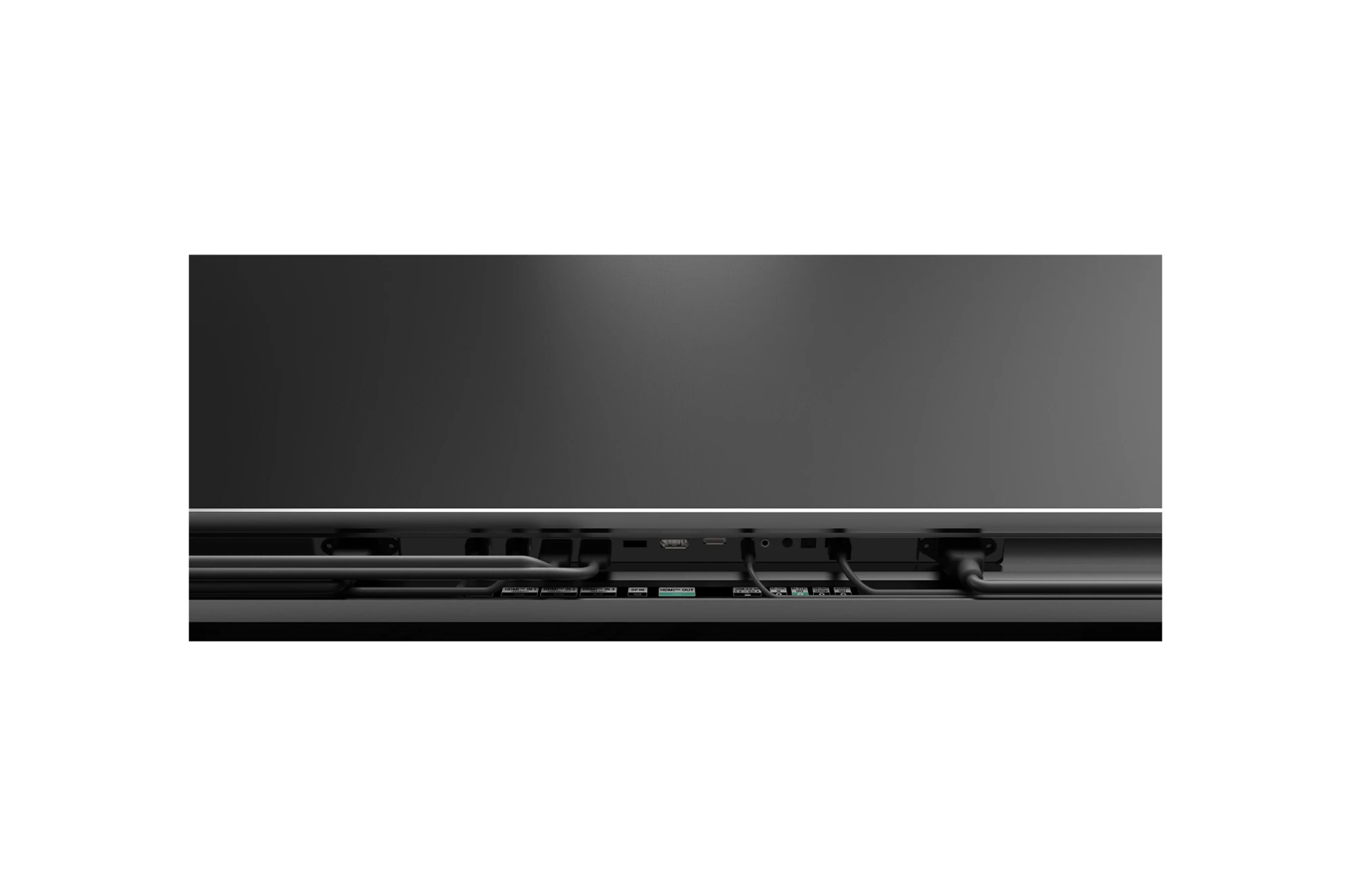
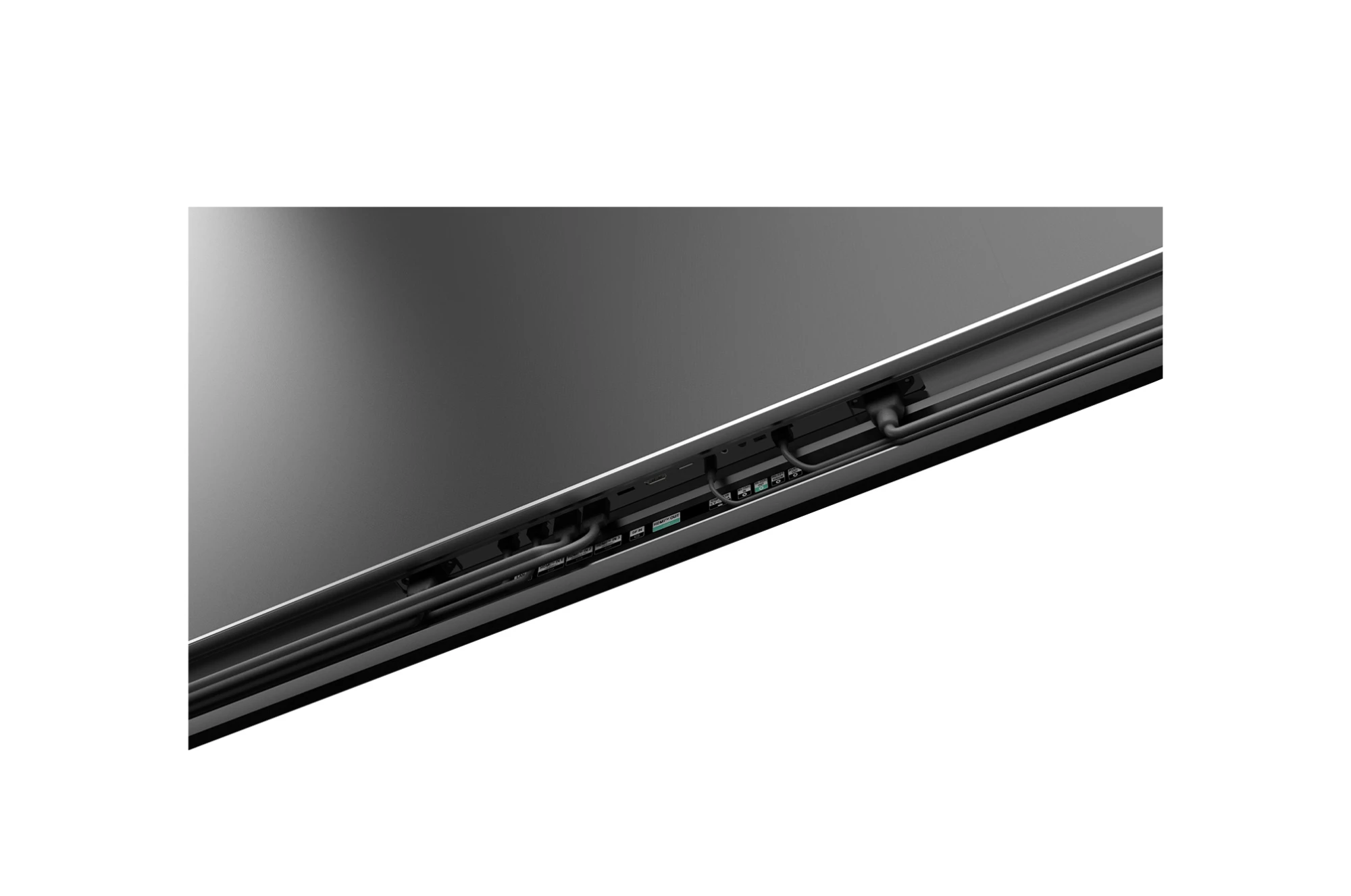
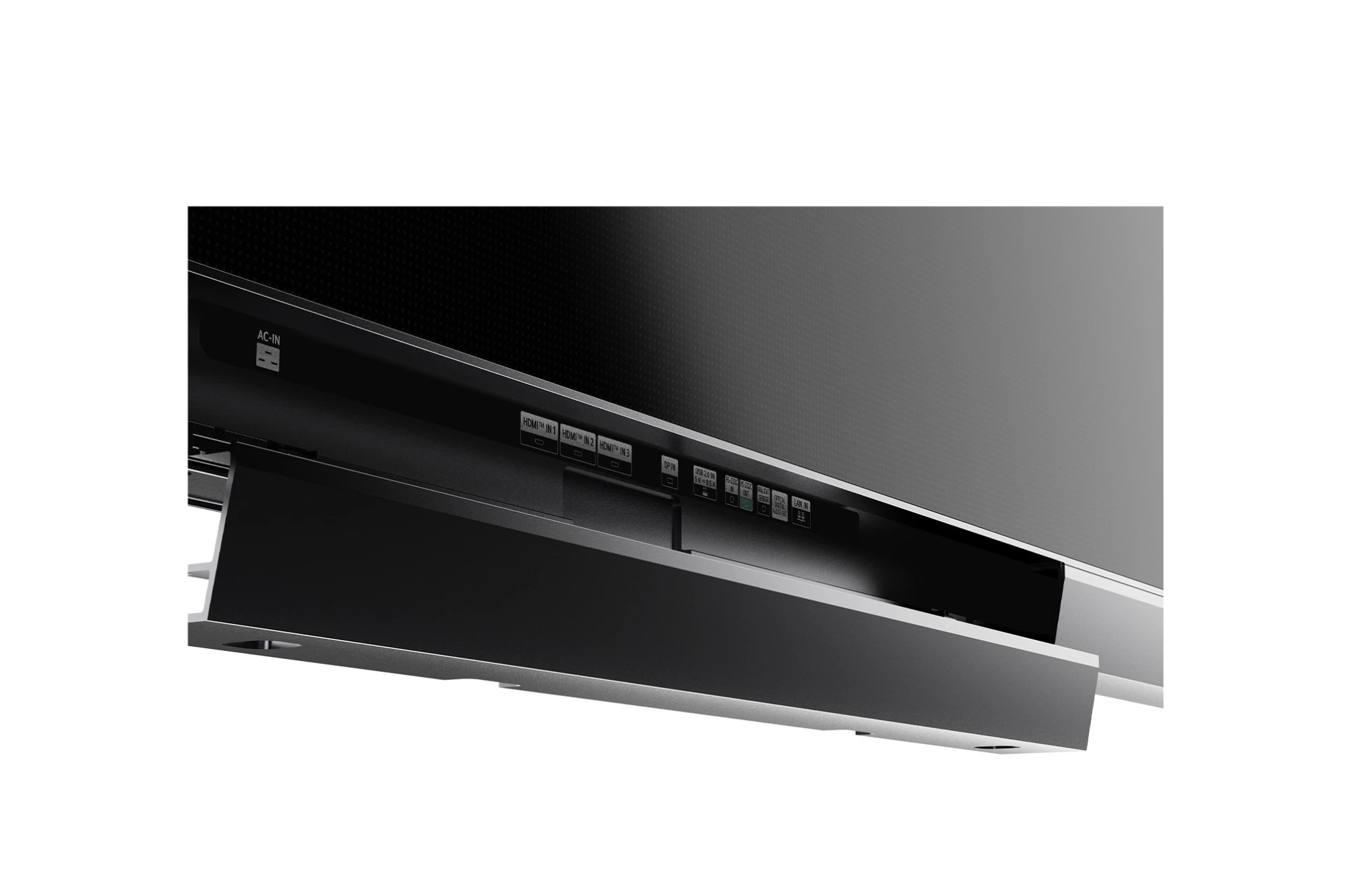
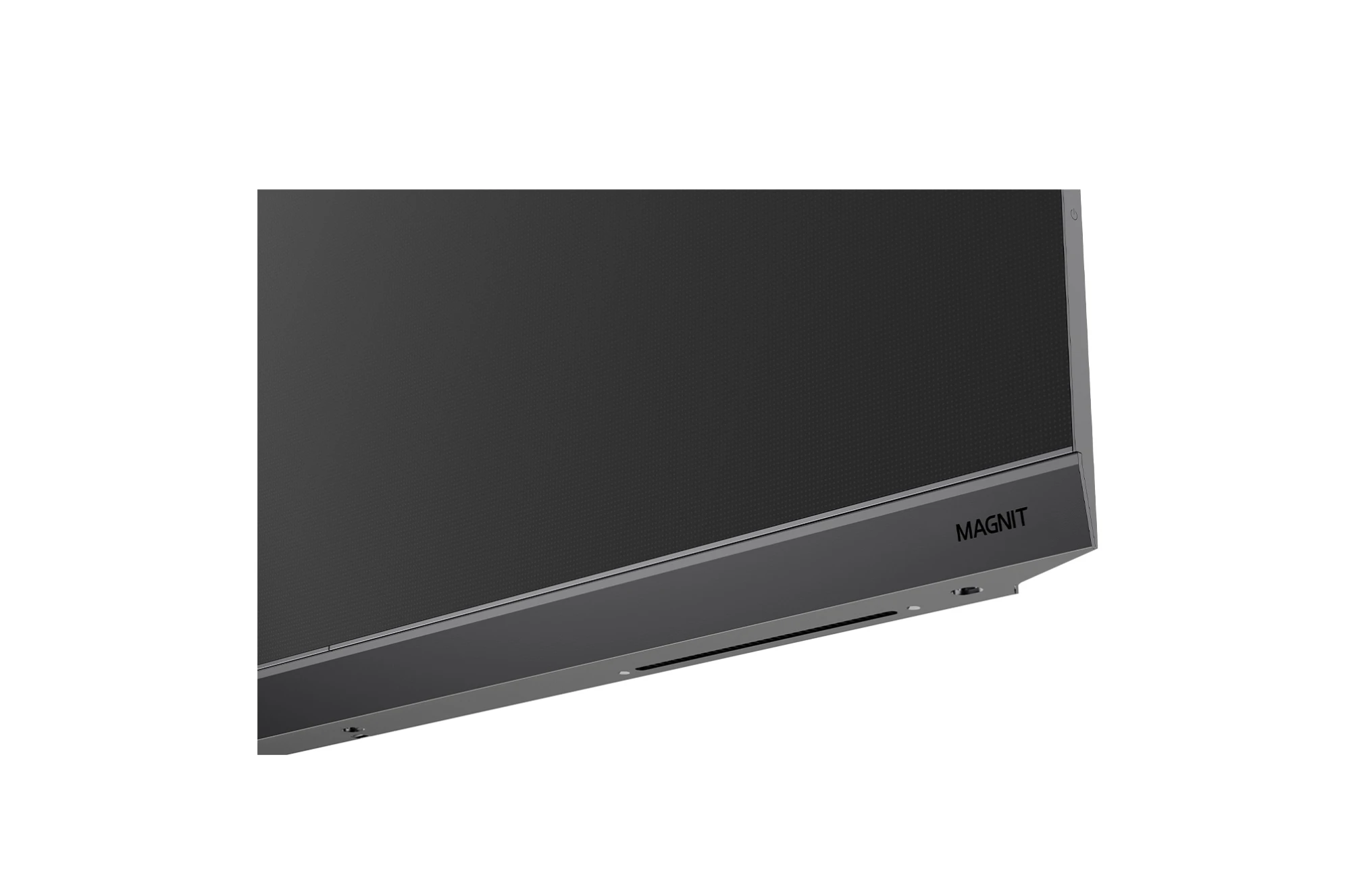
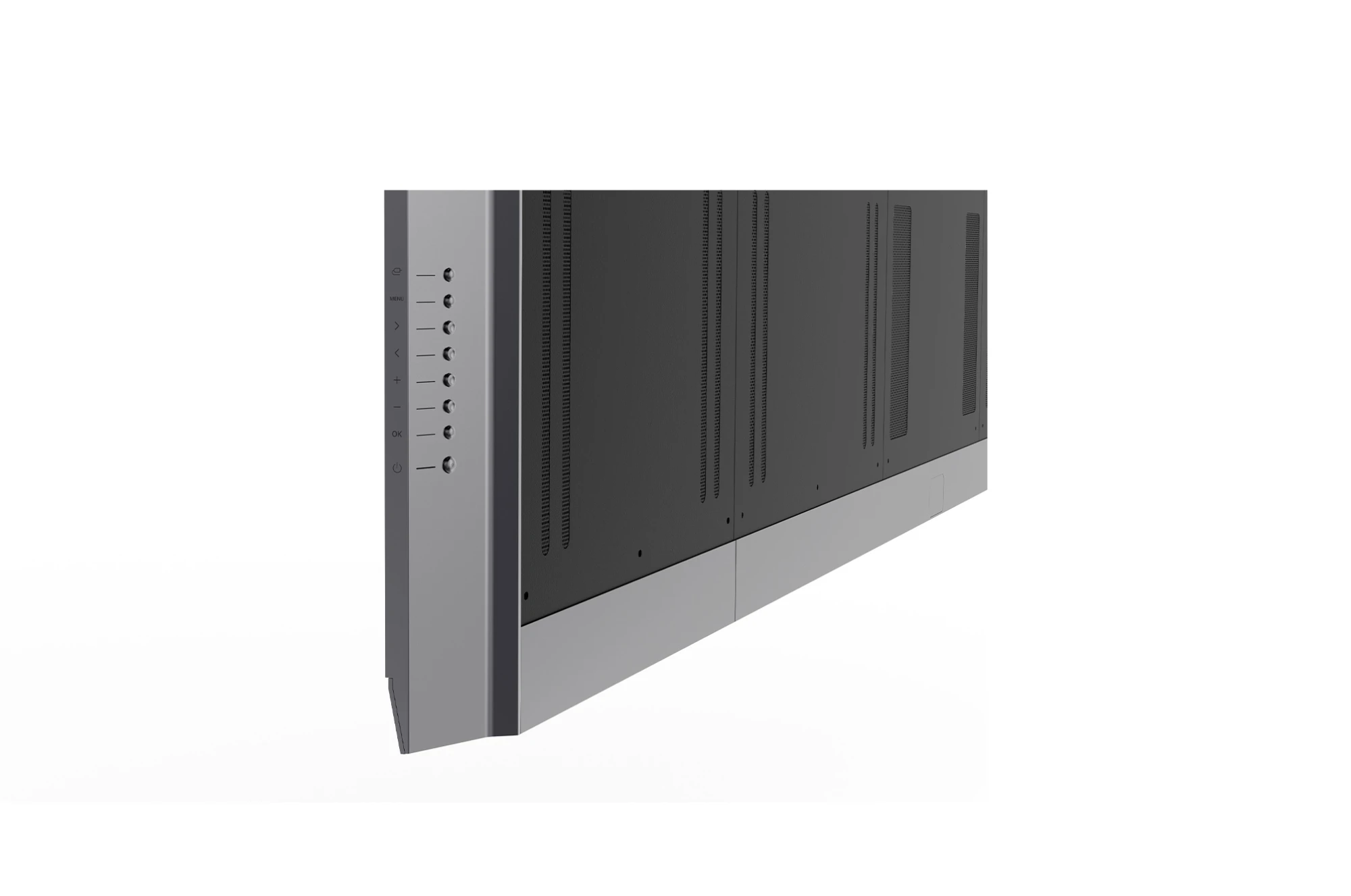
Official LG product views. Screen content is illustrative. Select a thumbnail or swipe. Select the main image to view full size.
LG
LAAA009
S$440,087.50
163-inch LG MAGNIT AIO.
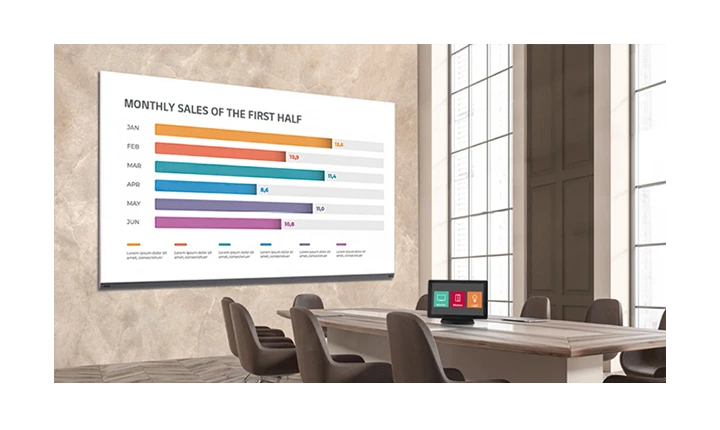
The LG LAAA009 is a 163-inch UHD MAGNIT all-in-one Micro LED display with 0.94 mm pixel pitch. Its embedded webOS controller, built-in speakers and image processing features suit large business presentations and detailed visual content in meeting spaces.
LG identifies the MAGNIT All-in-One series as an iF Design Award 2024 honouree.

An all-in-one LED screen combines the display with integrated control functions for indoor business installations.

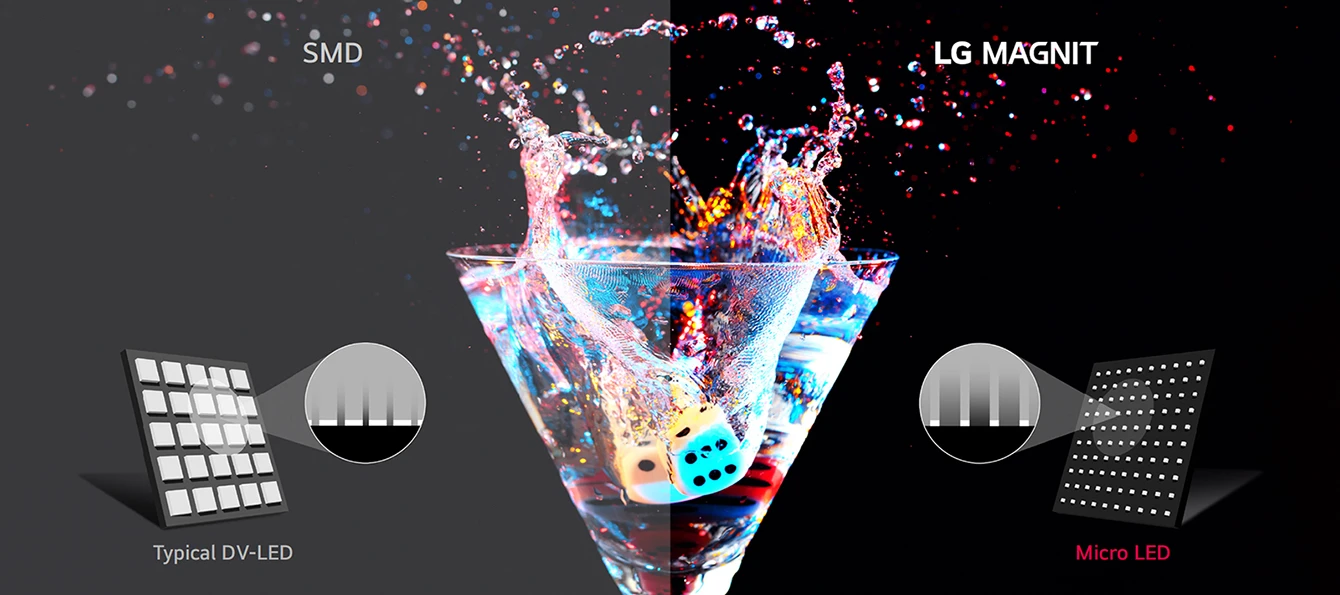
Fine Micro LED pixel spacing supports detailed images and precise light control.
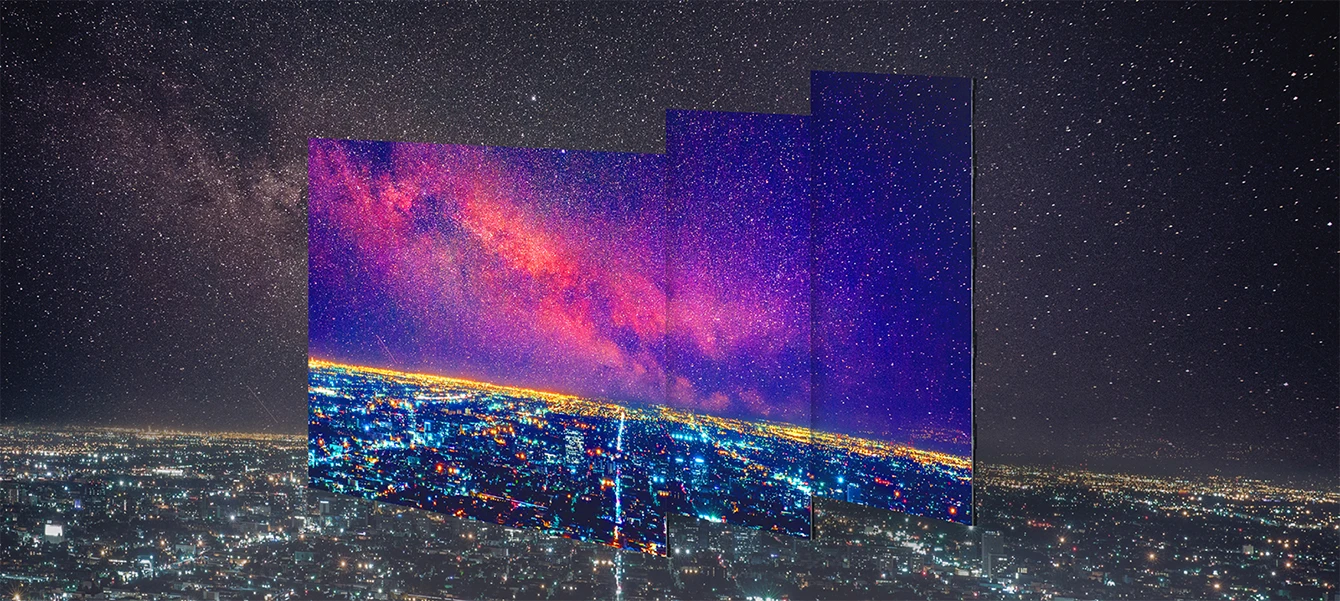
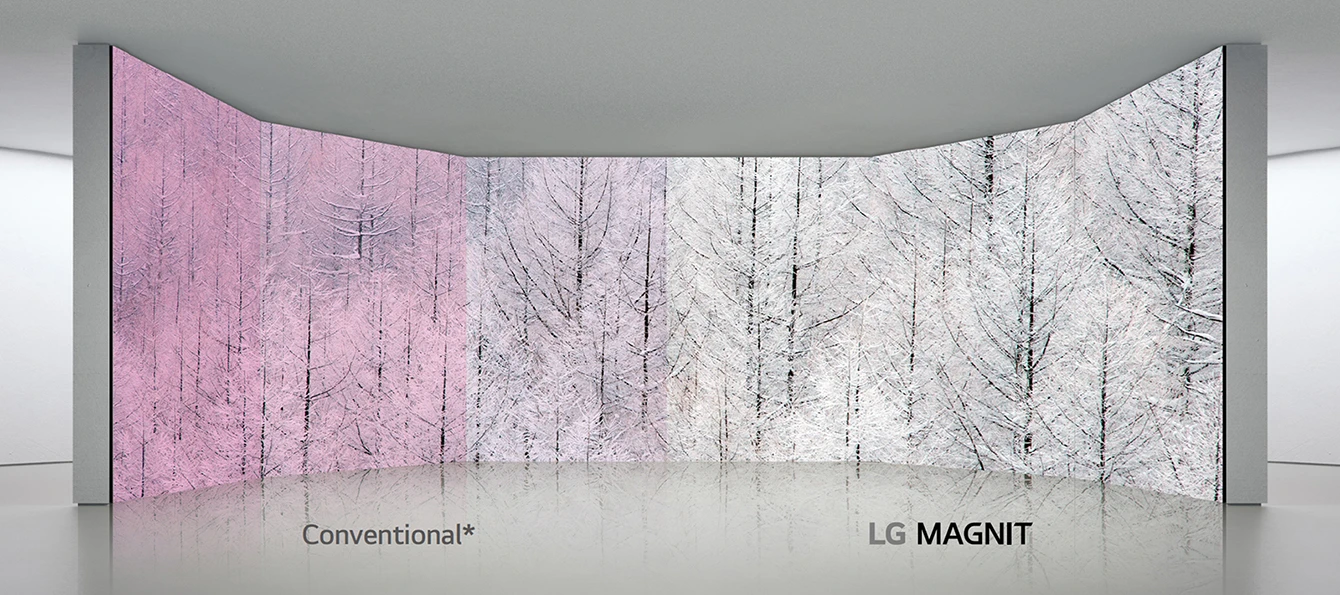
LG surface treatment helps improve colour consistency across viewing positions.
Directly bonded Micro LED chips and black surface treatment help reduce reflected light and improve black reproduction.
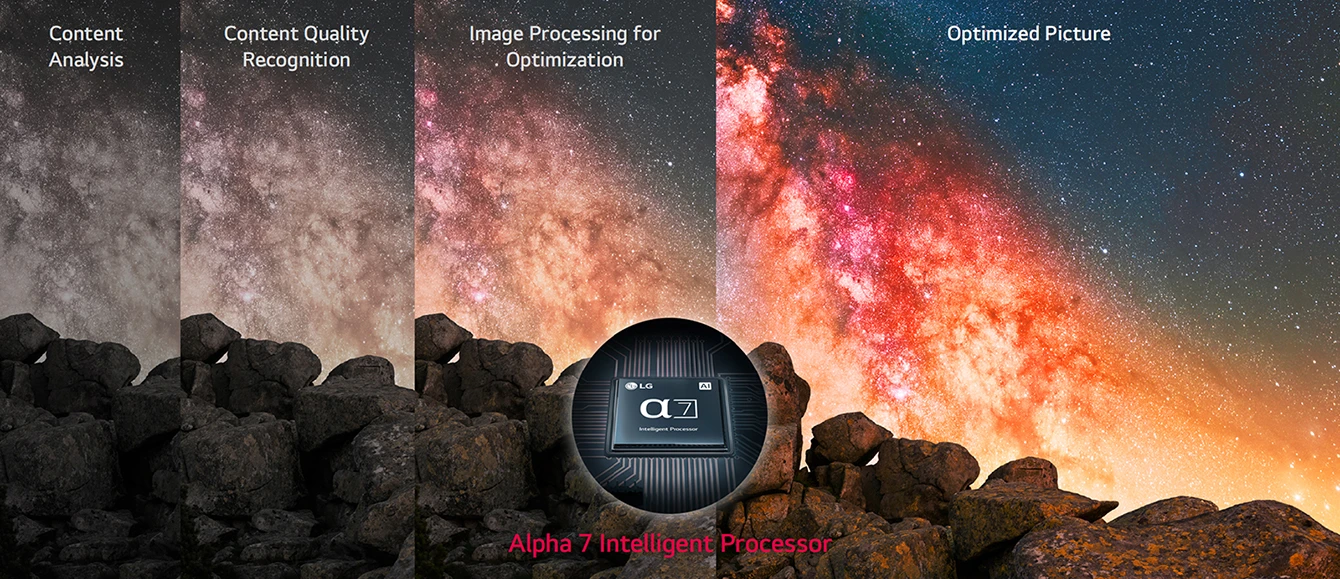
The Alpha 7 processor analyses content and adjusts picture processing for clearer images.
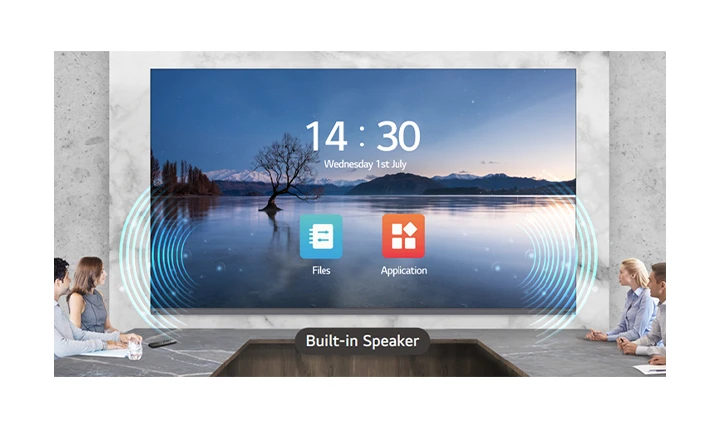
An integrated controller and built-in speakers reduce the number of separate components needed for an all-in-one installation.
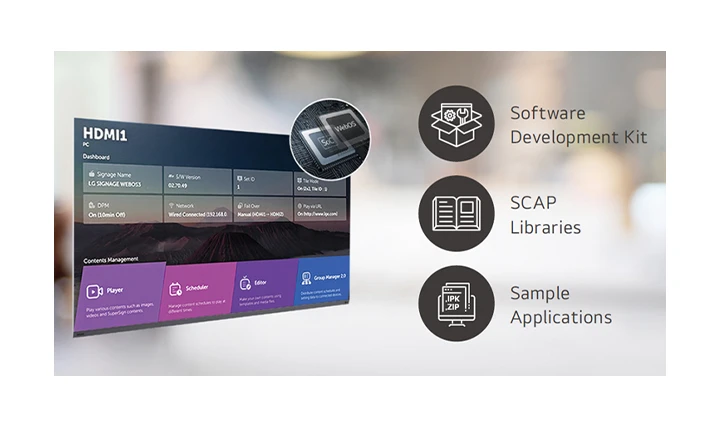
The embedded webOS controller supports content playback and signage applications without a separate external media player for supported functions.
The modular installation sequence assembles the supplied display structure, LED modules and power connections. Follow the official installation instructions.

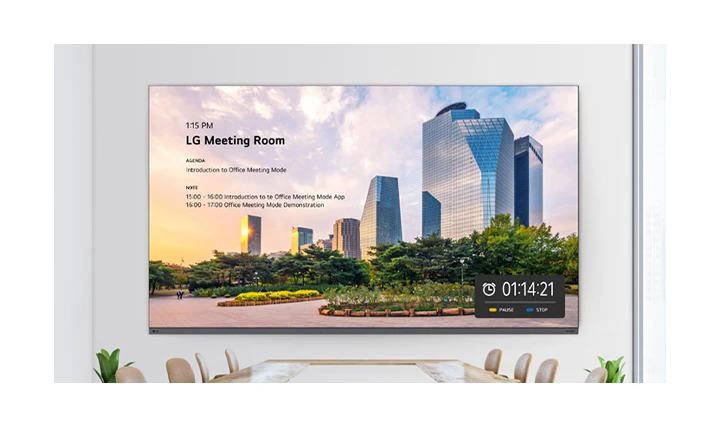
Office Meeting Mode provides supported meeting-room information and presentation controls through the signage settings.
Crestron Connected integration supports compatible AV control systems. Initial setup and separately purchased services may be required.
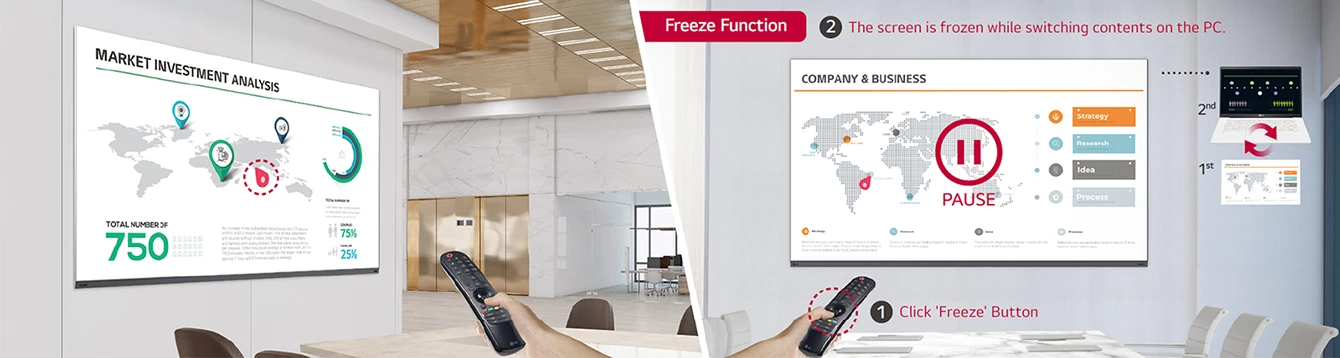
The included Magic Remote supports pointer-style navigation. Freeze functionality depends on an external input signal.
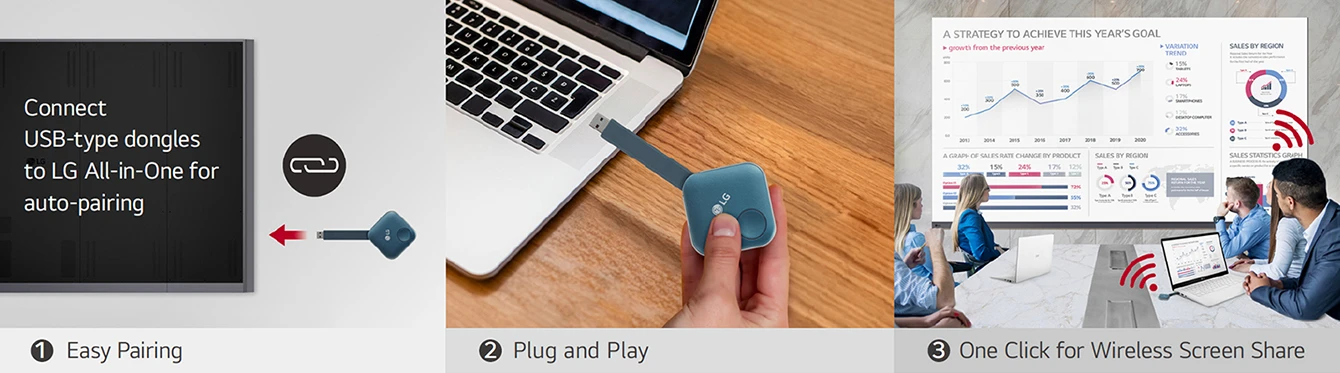
Optional LG One:Quick Share supports wireless presentation sharing using its USB transmitter and application. It is purchased separately and device compatibility must be checked.
| Brand | LG |
|---|---|
| Model | LAAA009 |
| Screen size | 163 inches |
| Product series | MAGNIT AIO |
| Pixel Configuration | Micro LED |
|---|---|
| Pixel Pitch (mm) | 0.94 |
| Module Resolution (W x H) | 320 × 120 |
| Module Dimensions (W x H, mm) | 300 × 112.5 |
| Screen Resolution (WxH) | 3,840 × 2,160 |
| Screen Dimension (W × H × D, mm) | 3,604 × 2,078.8 × 54.9 (Thickest 57.4) |
| Screen Weight (kg) | 258.4 |
| No. of Modules per Screen (W x H) | 12 × 18 (Total 216) |
| Screen Surface Area (㎡) | 7.29 |
| Physical Pixel Density (pixels/m²) | 1,137,778 |
| Flatness of Cabinet | ±0.2 mm |
| Cabinet Material | Steel |
| Service Access | Front |
| Brightness (After Calibration, nit) * | 500 (Max.) / 1,500 (Peak) |
|---|---|
| Visual Viewing Angle (Horizontal/Vertical) | 160 / 160 |
| Color Temperature (K) | 3,200-9,300 |
| Brightness Uniformity | 95% |
| Color Uniformity | ±0.015 Cx, Cy |
| Contrast Ratio | 40,000 : 1 @10lux |
| Processing Depth (bit) | 20 (HDR10, HDR10 Pro) |
| Optical Specifications | * These values represent the maximum measurable specifications of the product. Actual performance or specifications may vary depending on the specific product and usage environment. |
| Power Consumption (W/Screen, Max.) | 1,750 |
|---|---|
| Power Consumption (W/Screen, Avg.) | 900 |
| Power Consumption (W/m², Max.) | 240 |
| Power Consumption (BTU/h/Screen, Max.) | 5,971 |
| Power Consumption (BTU/h/Screen, Avg.) | 3,071 |
| Power Consumption (BTU/㎡, Max.) | 819 |
| Power Supply (V) | 100 to 240 |
| Frame Rate (Hz) | 50 / 60 |
| Refresh Rate (Hz) | 3,840 |
| Lifetime (Hours to Half Brightness) | 100,000 |
|---|---|
| Operating Temperature (°C) | 0 to +40 |
| Operating Humidity | 10-80% RH |
| IP rating Front / Rear | IP50 / IP20 |
| Speaker | Built-in (10 W + 10 W) |
|---|
| Certification | Safety 62368-1 & 60950-1, EMC Class A, BS476 Part7 Class1 |
|---|
| Environment | RoHS |
|---|
| Controller | Embedded (webOS) |
|---|
| Wi-Fi / Bluetooth | Yes |
|---|---|
| Remote Control | IR Remote (In-box), Magic Remote (In-box) |
| Side by Side Installation | Yes (1 × N) |
| 3rd Party Compatibility | Crestron Connected® |
| I/O port | HDMI (3), DP (1), USB, LAN, RS-232C In/Out, IR, Optical Digital Audio Out |
|---|
Manufacturer specifications may vary by region and revision. Optional services, stands and accessories are sold separately where stated. Refer to the official documents for installation and operating requirements. The series datasheet includes regional G-suffix variants with different power, weight and certification values. HTML values follow the official base-model product page; confirm the supplied variant before installation.