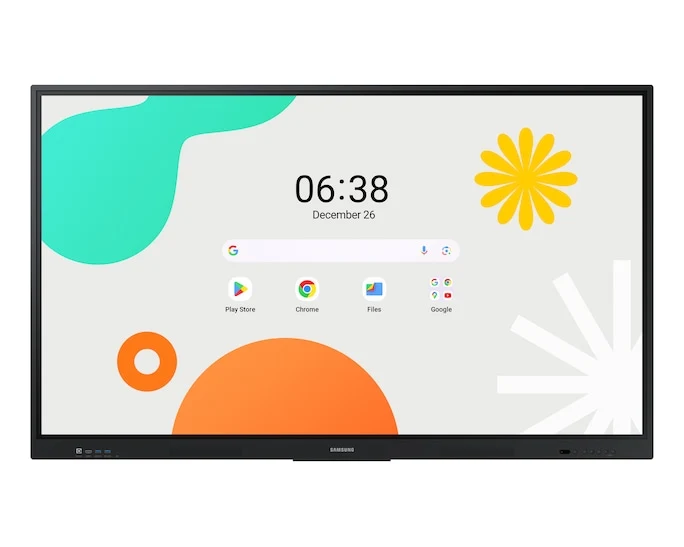
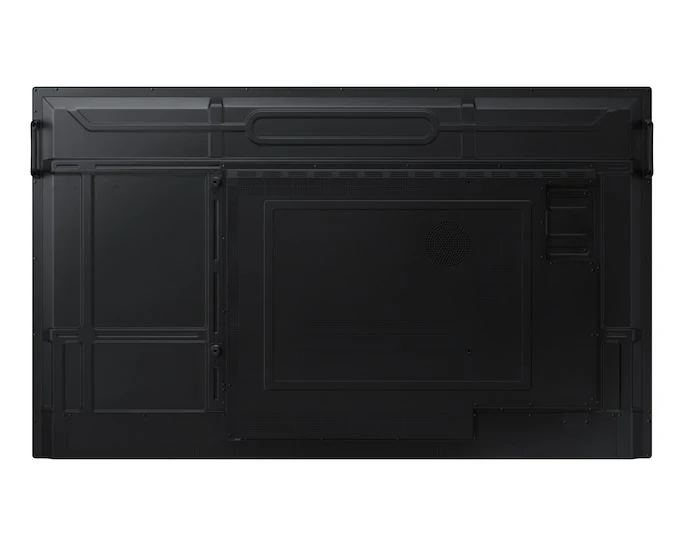
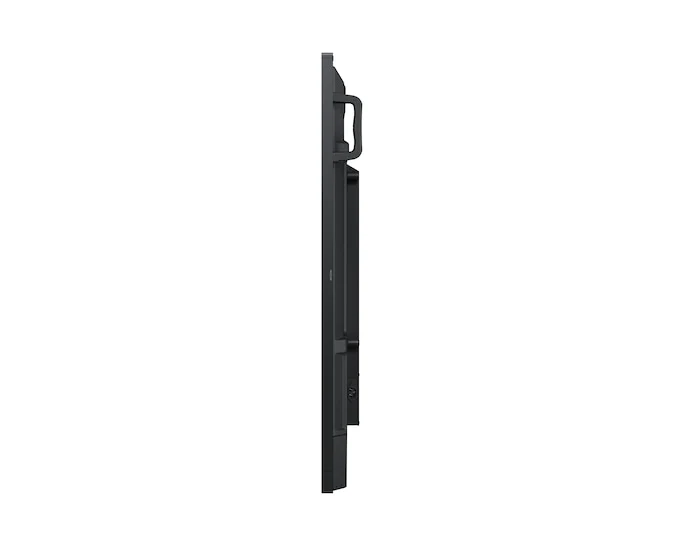
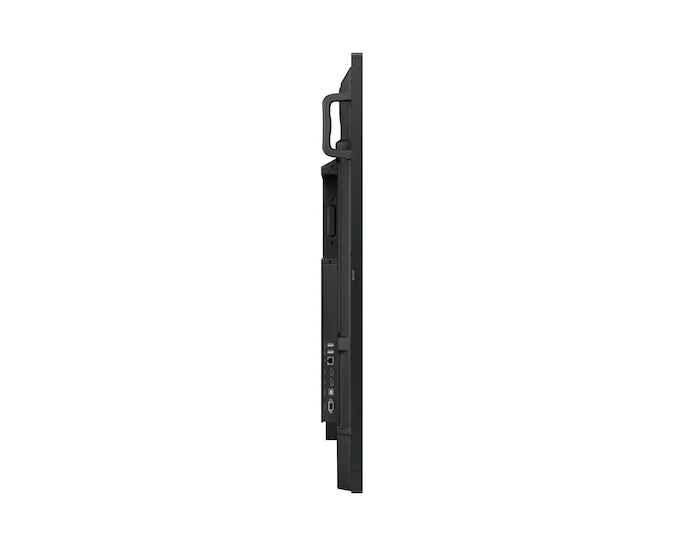
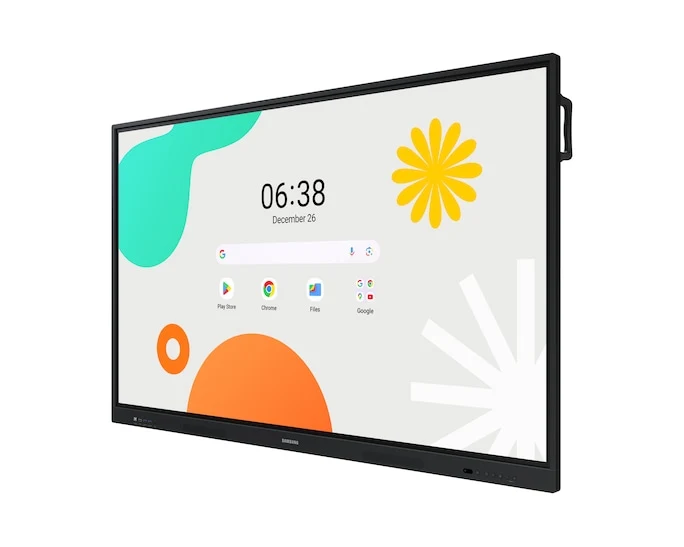
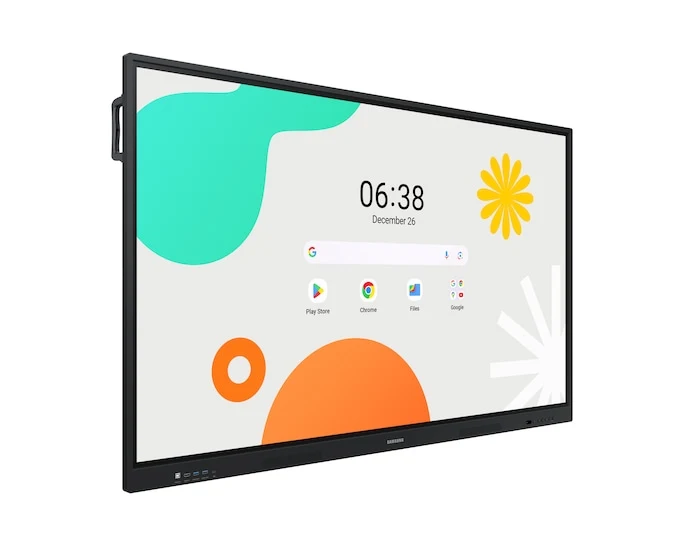
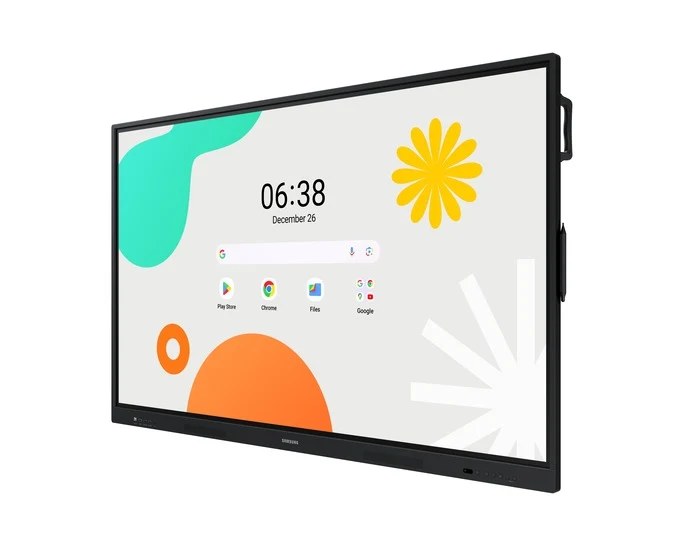
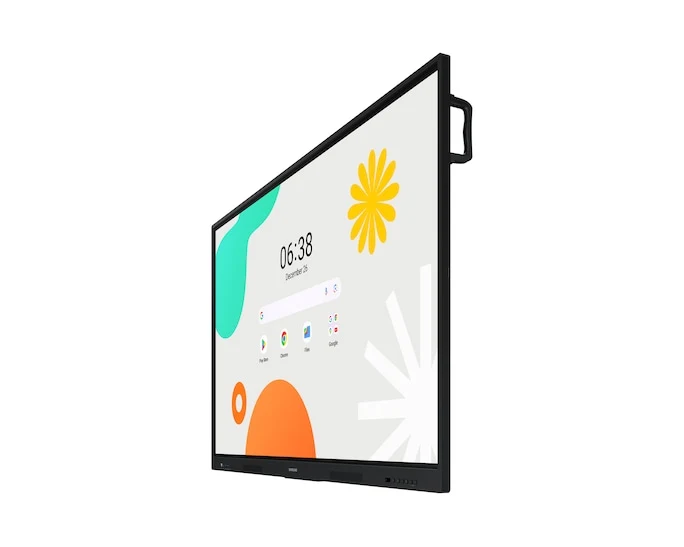
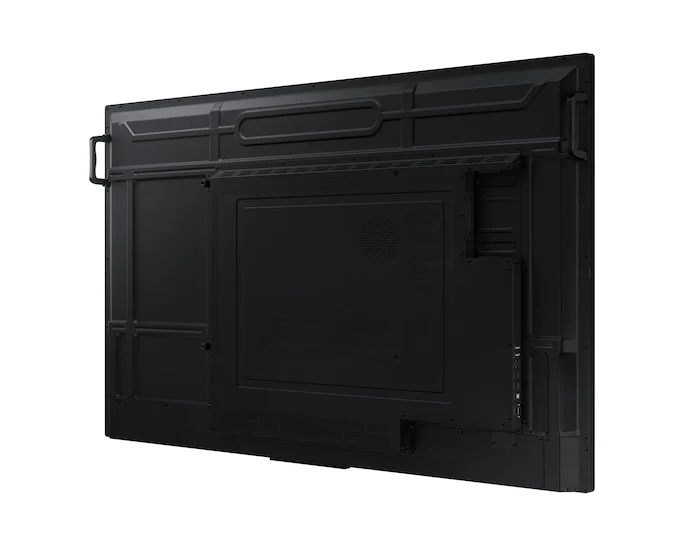
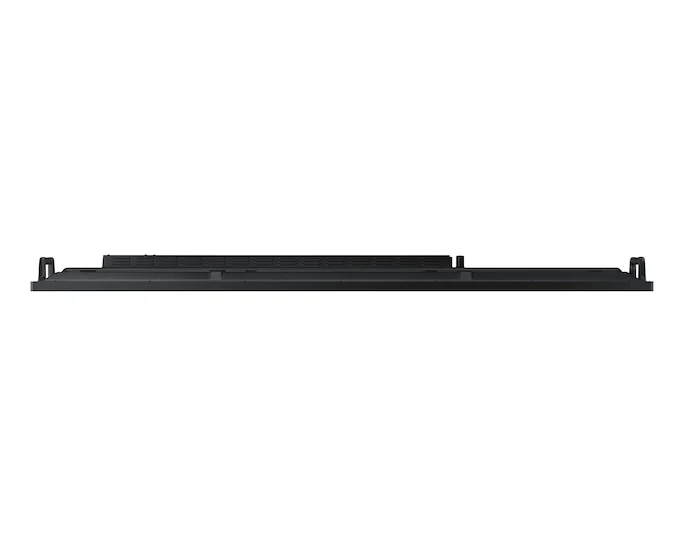
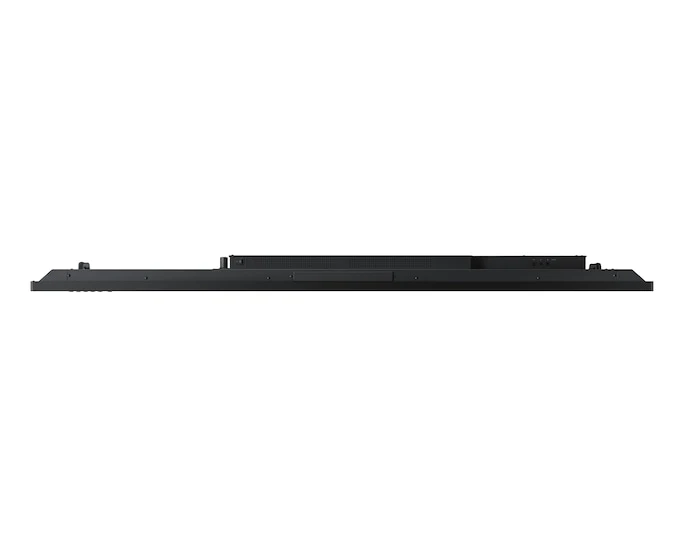
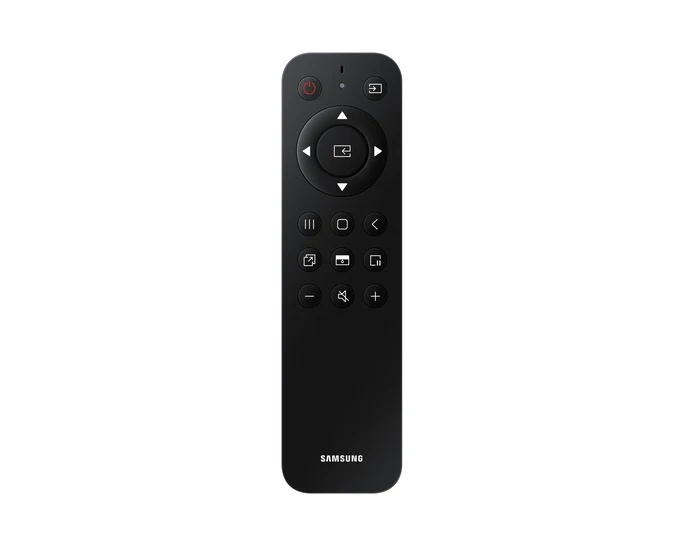
Samsung WA65F Interactive Display Android OS

Samsung WA65F is a 65-inch 4K interactive display for classrooms and training spaces. Android 14, EDLA-certified Google services, multi-touch writing and USB-C connectivity support presentations, annotation and collaborative learning on one large screen.

Choose your Size
Samsung WA65F Interactive Display Android OS

Samsung

Samsung WA65F Interactive Display Android OS

Model: WA65F | LH65WAFWLGCXXS

S$3,502.00

Request for Quotation

Interactive 4K display for learning and collaboration.

Samsung WA65F is a 65-inch 4K interactive display for classrooms and training spaces. Android 14, EDLA-certified Google services, multi-touch writing and USB-C connectivity support presentations, annotation and collaborative learning on one large screen.

Key product features

  • 65-inch IPS panel with 3,840 × 2,160 resolution
  • Android 14, EDLA certification and 64 GB storage
  • Up to 40 touch points and four independent note zones
  • Wireless mirroring from up to nine compatible devices
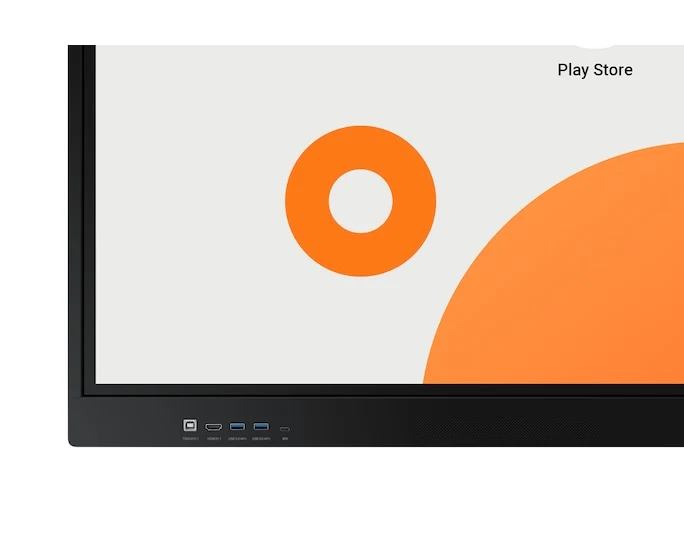
  • USB-C with touch, display and up to 65 W charging
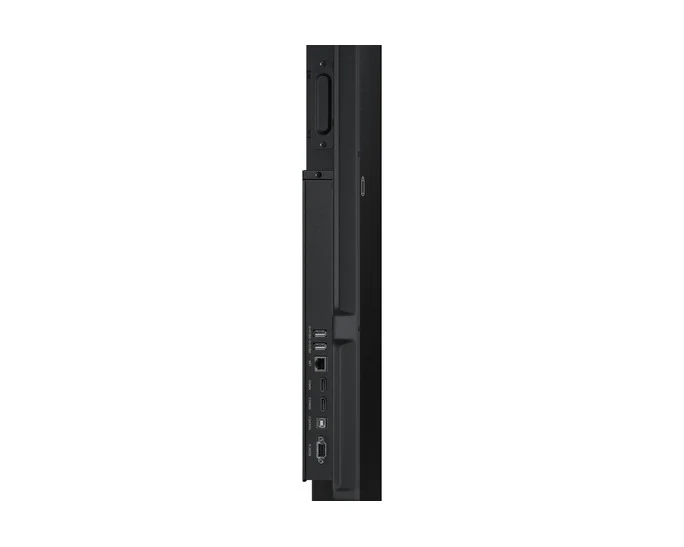
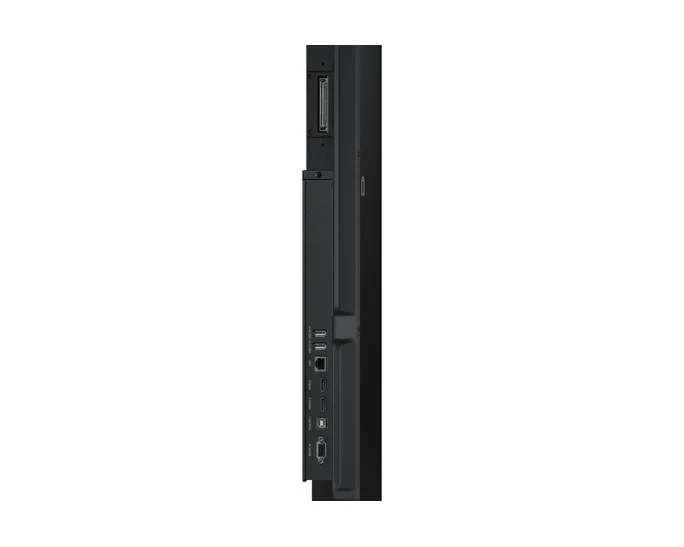
  • HDMI output and OPS slot

Overview

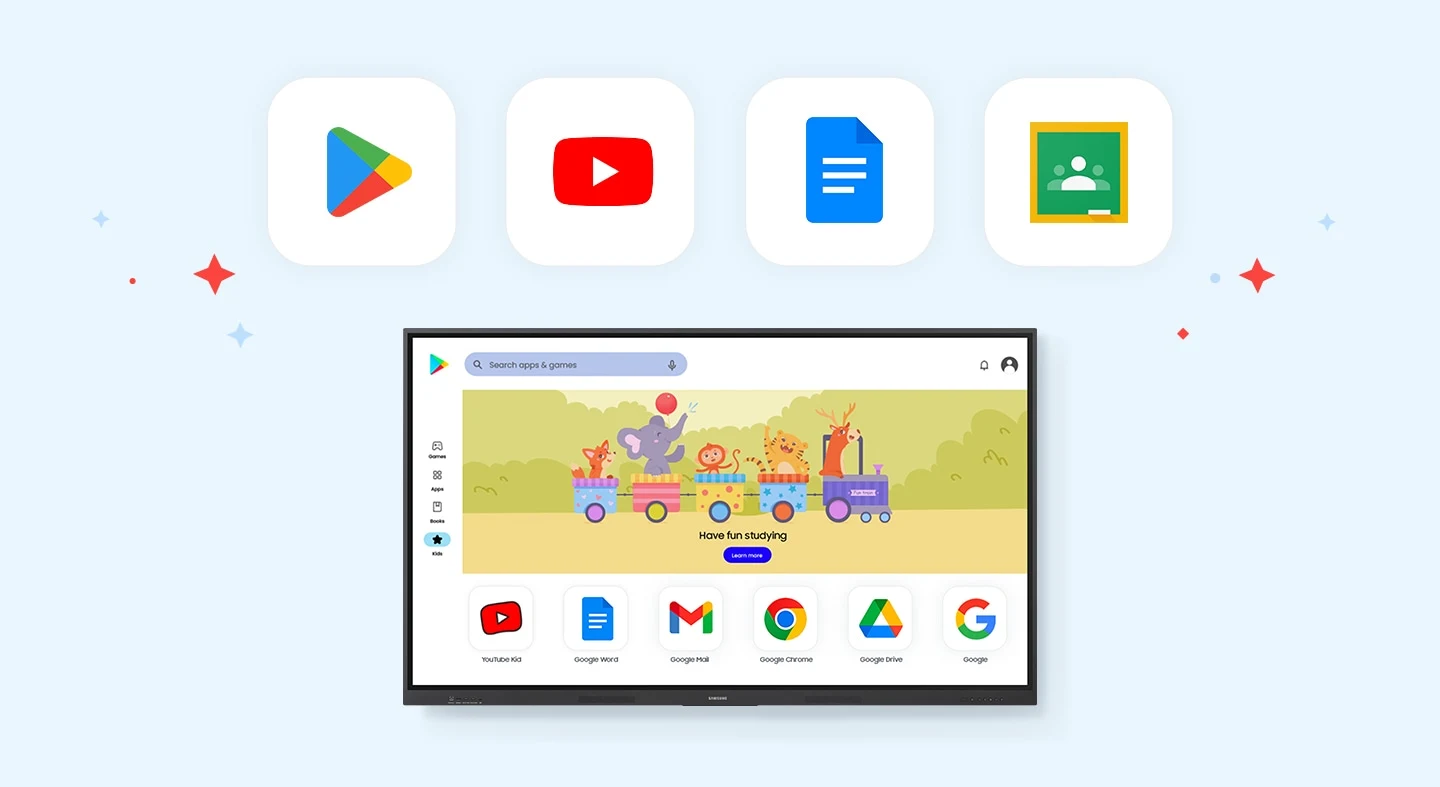
Android and Google services

Android 14 and EDLA certification provide access to Google services and educational apps, with a customisable home screen.
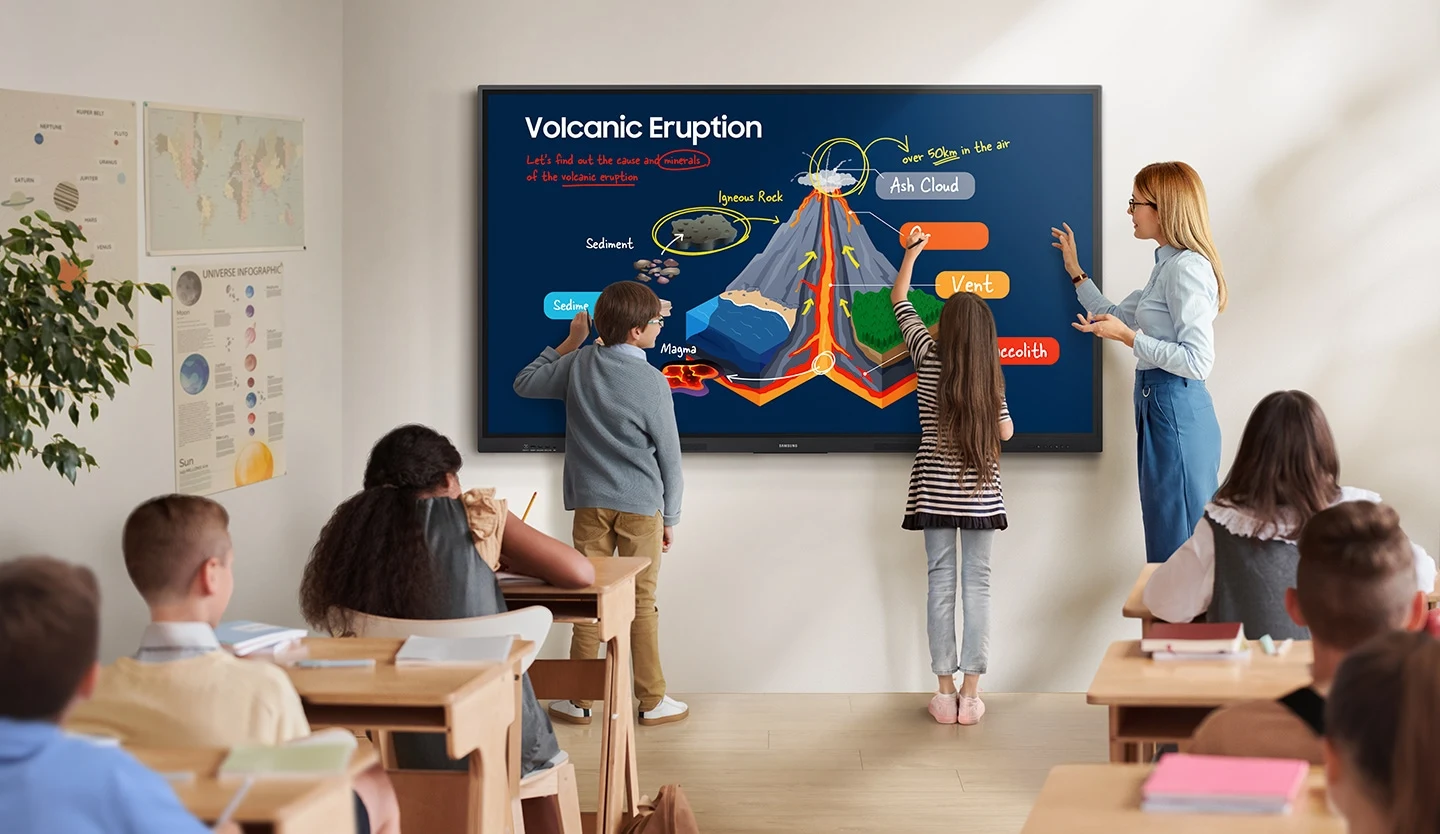
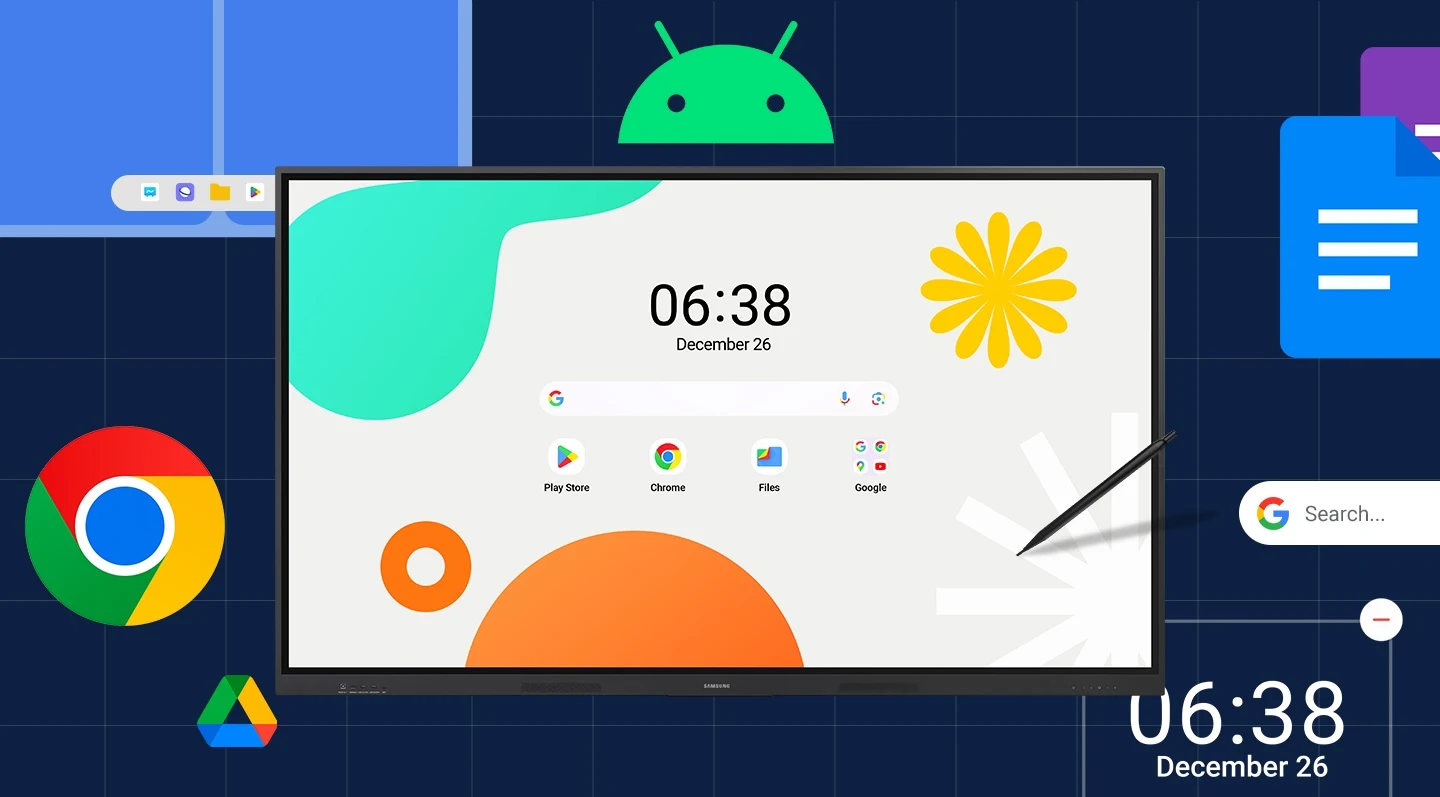
Samsung WAF — Unlimited Learning Possibilities
Samsung feature illustration; screen content simulated.
Samsung WAF — An intuitive UX that fits your needs
Samsung feature illustration; screen content simulated.
Samsung WAF — Effortless access to Google services
Samsung feature illustration; screen content simulated.

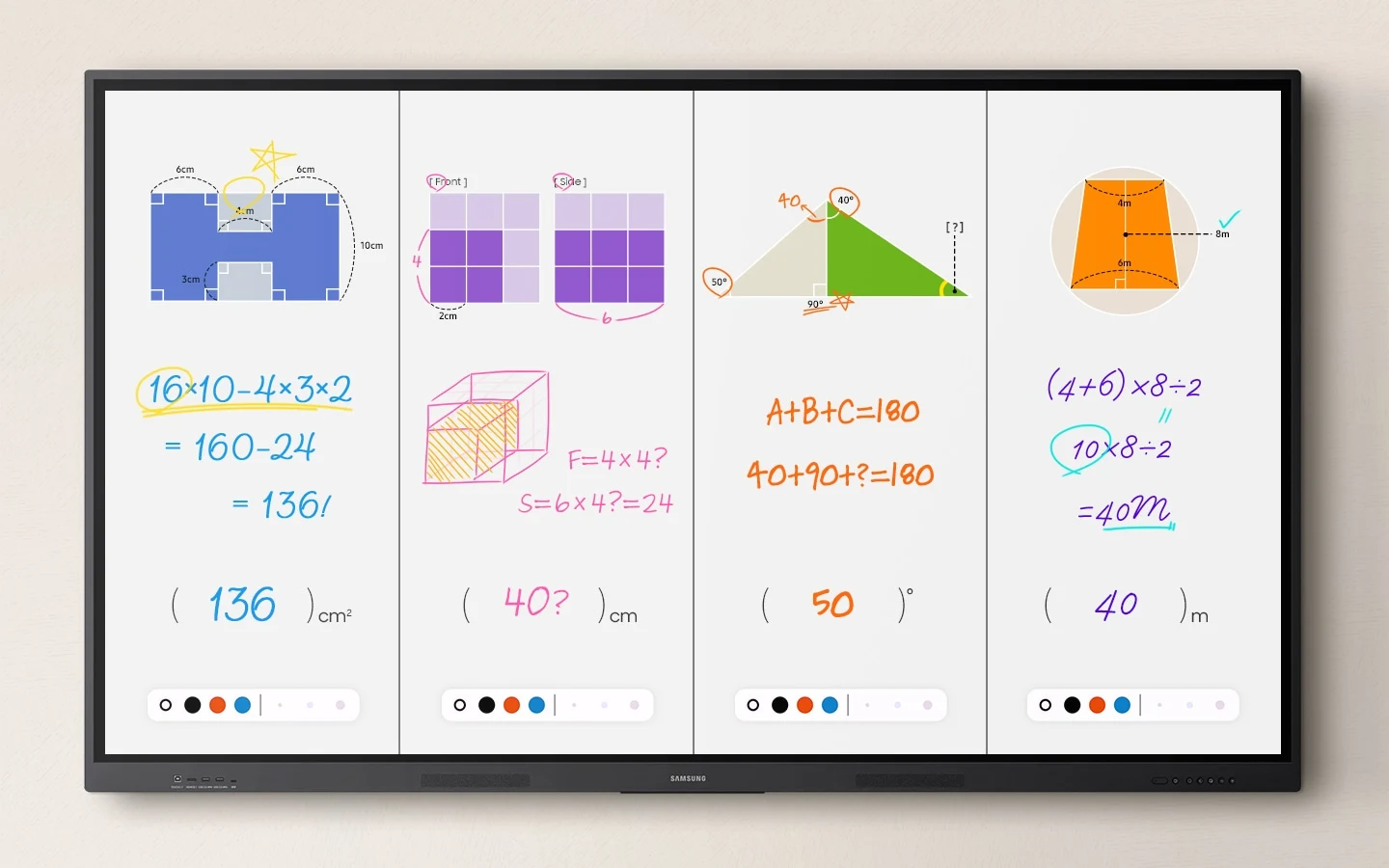
Annotation and collaborative notes

Annotate over displayed content and divide the Note app into four independent writing zones.
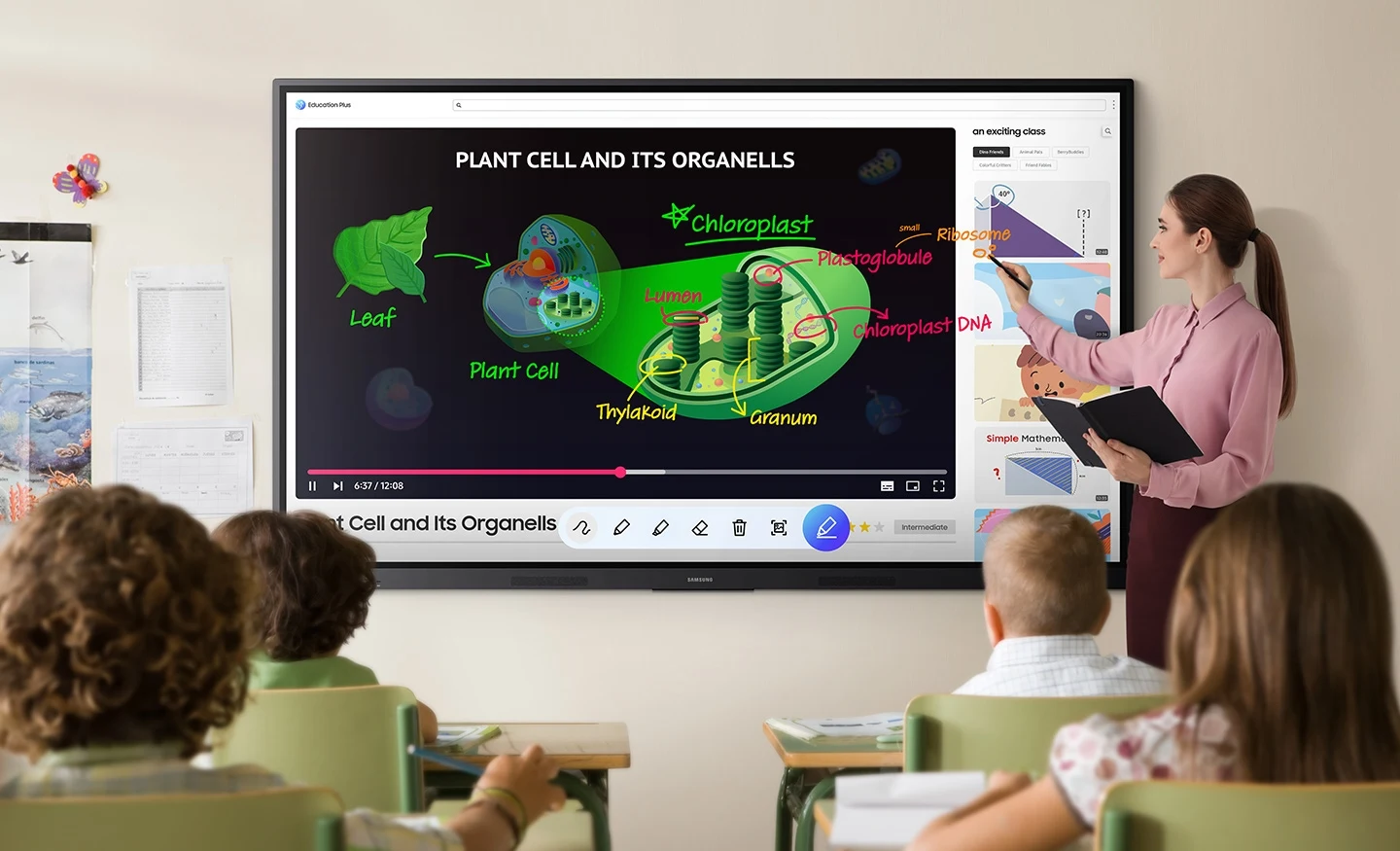
Samsung WAF — Take notes instantly, anywhere on the screen
Samsung feature illustration; screen content simulated.
Samsung WAF — Write independently, learn together
Samsung feature illustration; screen content simulated.

Multitasking and wireless sharing

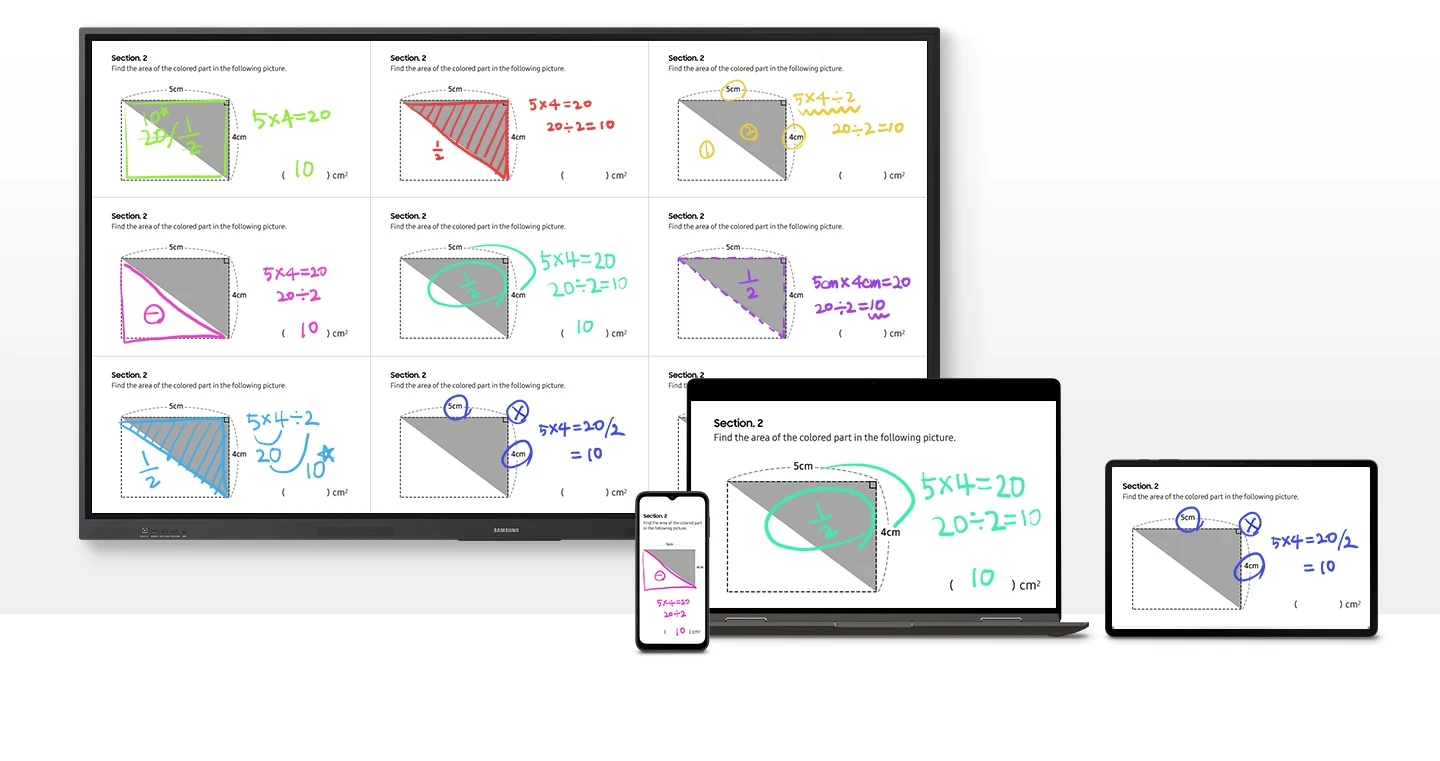
Use split-screen and multi-window tools, with mirroring from up to nine compatible iOS, Mac, Windows or Android devices.
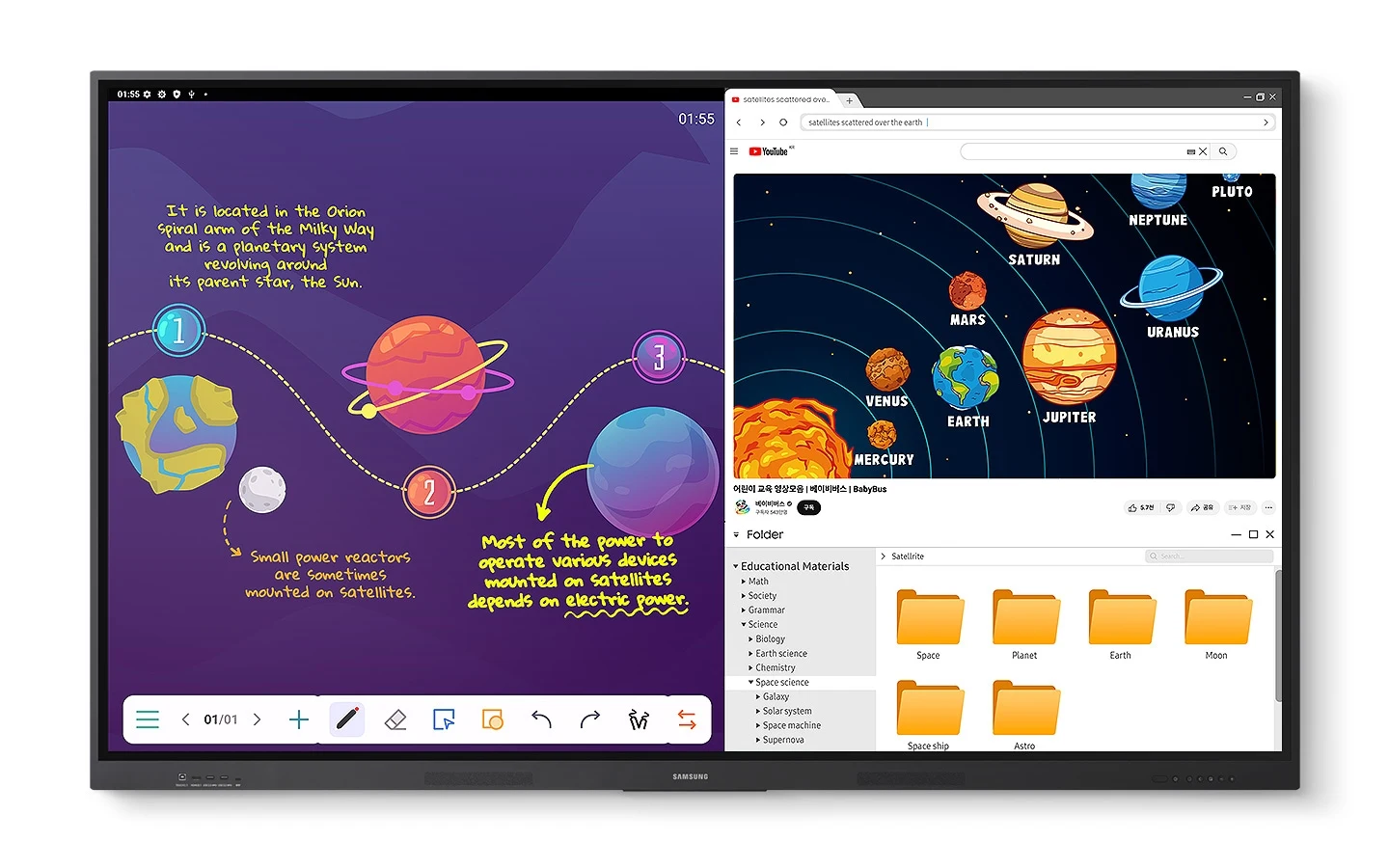
Samsung WAF — Display multiple screens simultaneously
Samsung feature illustration; screen content simulated.
Samsung WAF — Smart, wireless sharing on multiple devices
Samsung feature illustration; screen content simulated.

Multi-touch and dual pen

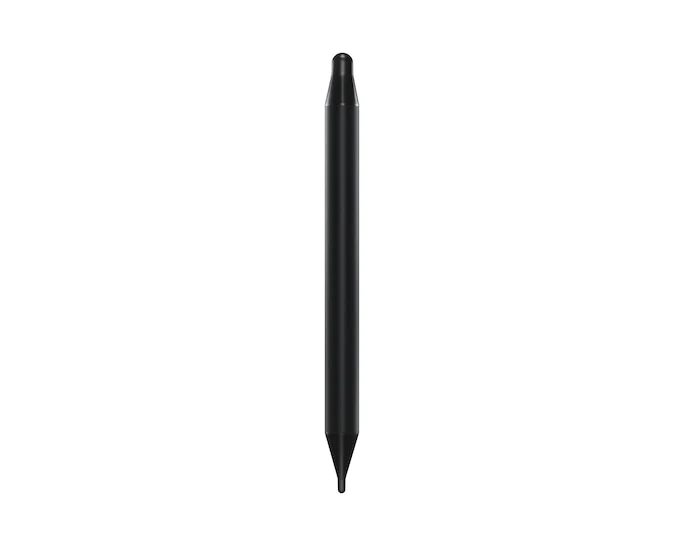
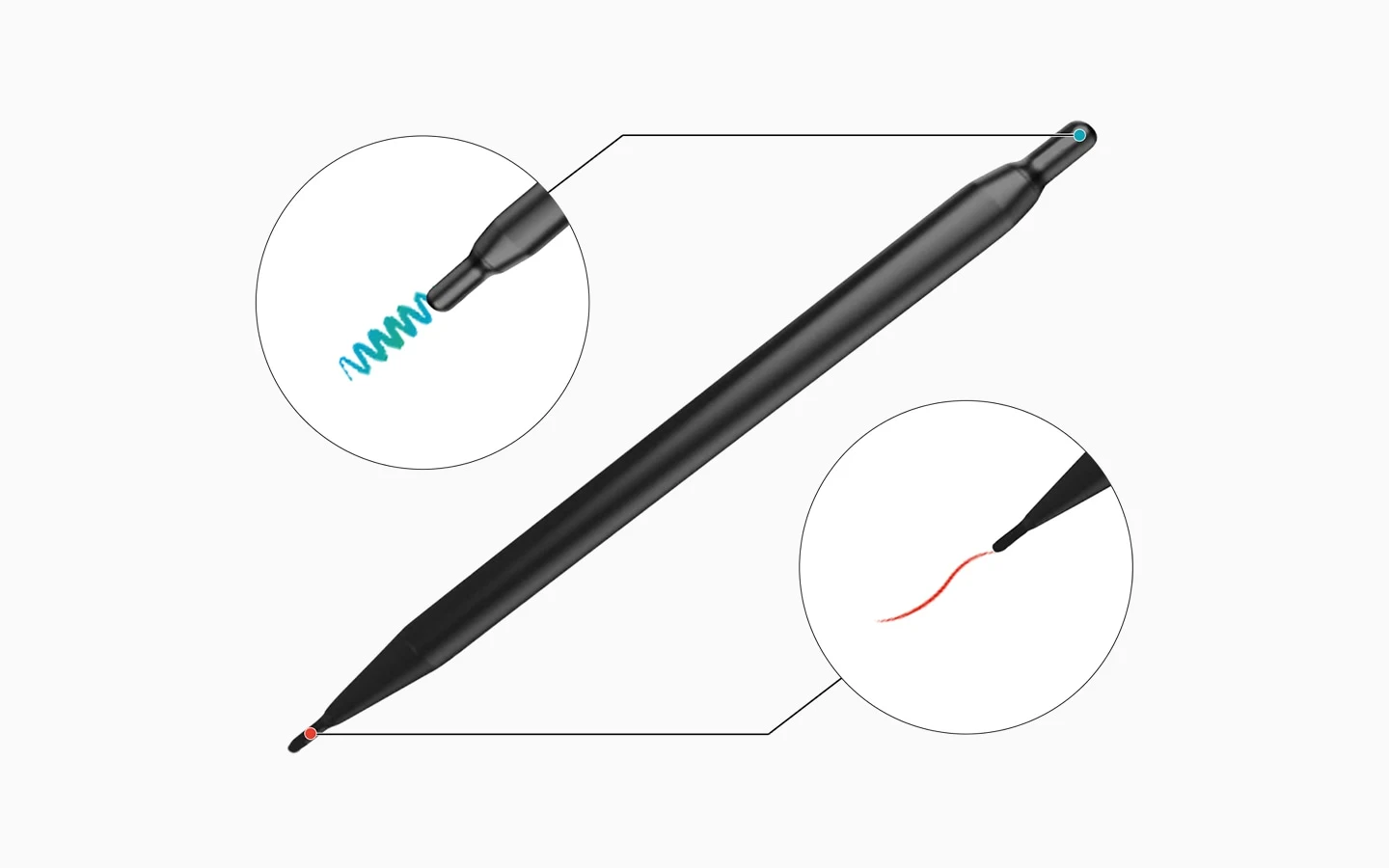
Up to 40 touch points support group interaction. A double-sided pen switches between two writing colours without changing settings.
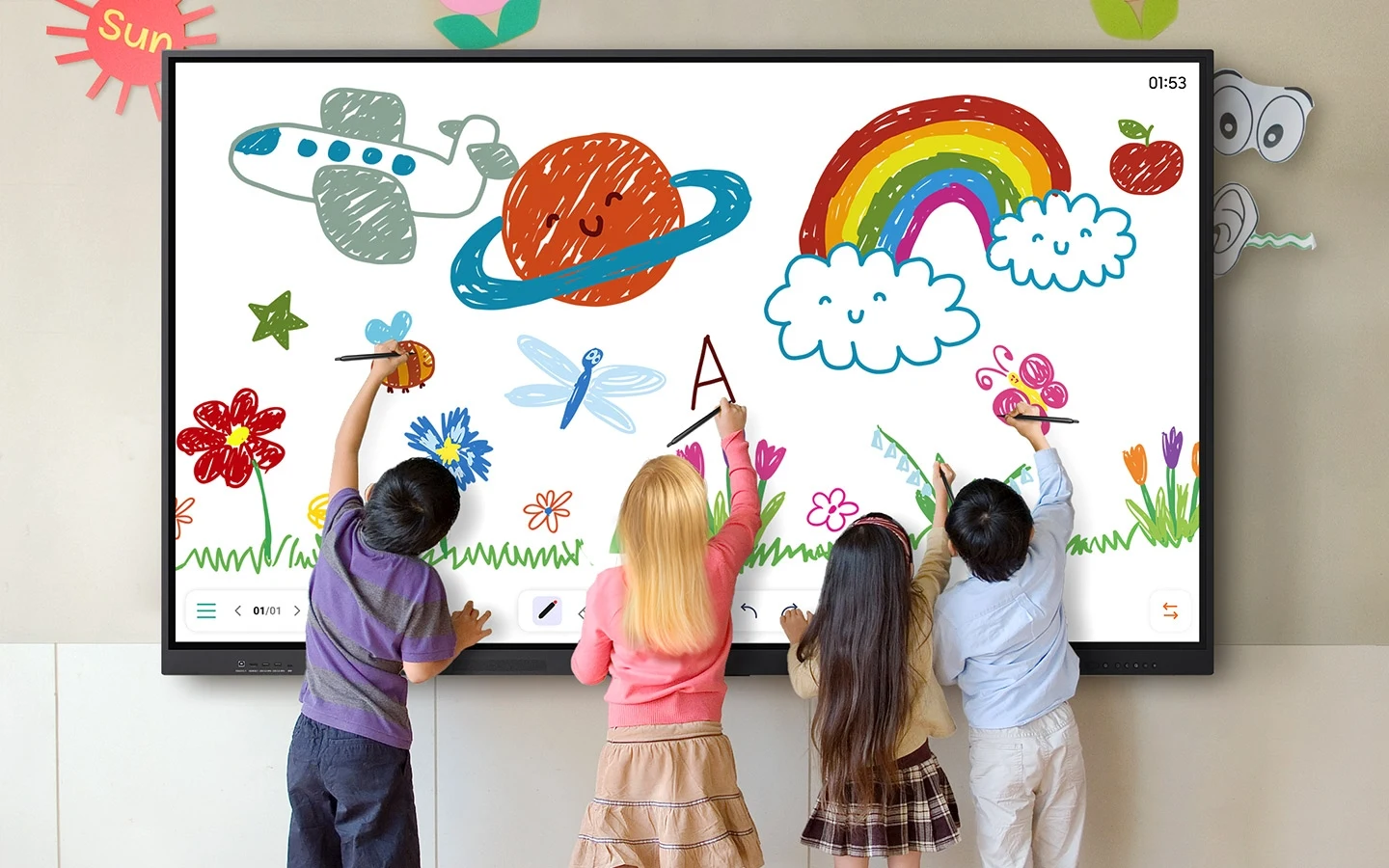
Samsung WAF — Better interaction with best-in-class multi-touch
Samsung feature illustration; screen content simulated.
Samsung WAF — Switch pens without changing settings
Samsung feature illustration; screen content simulated.

Convenient classroom connectivity

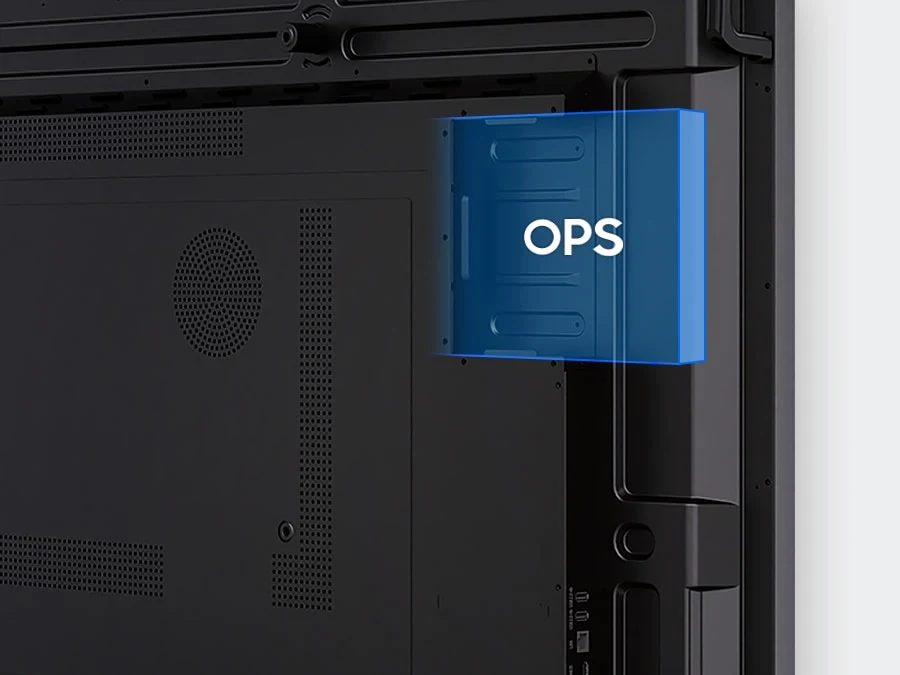
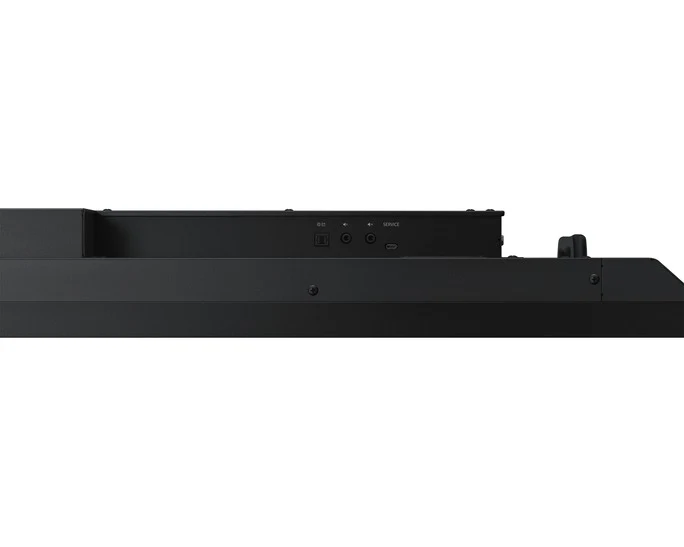
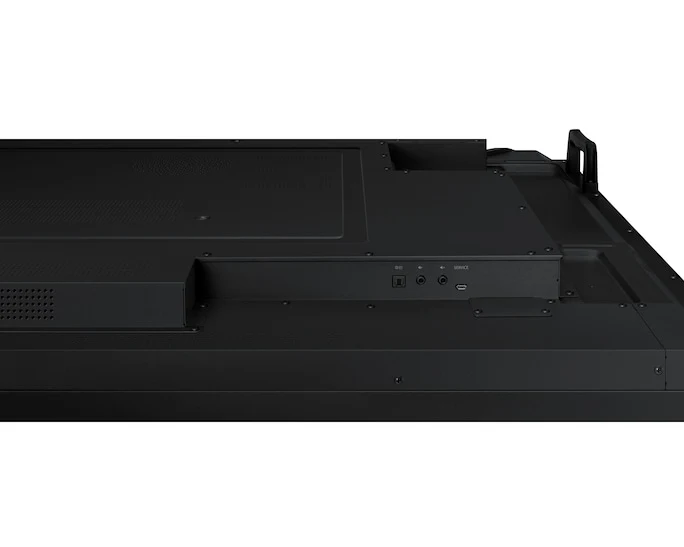
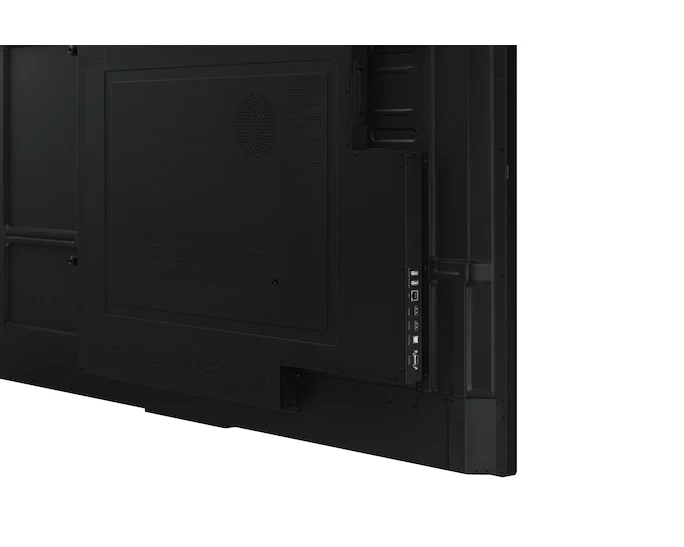
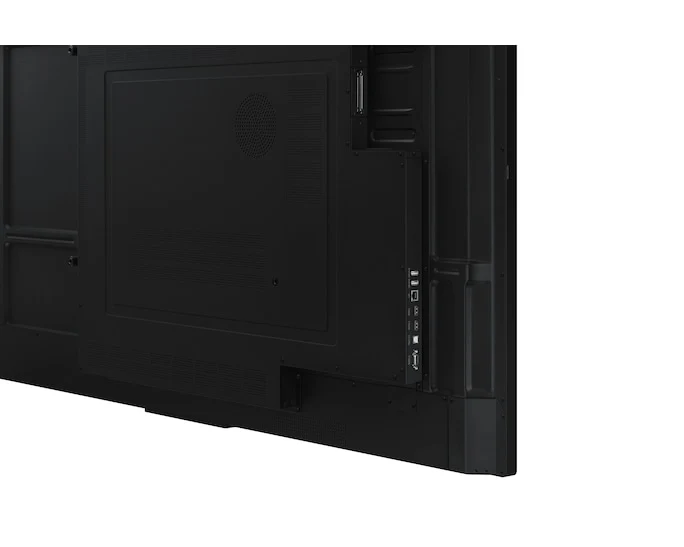
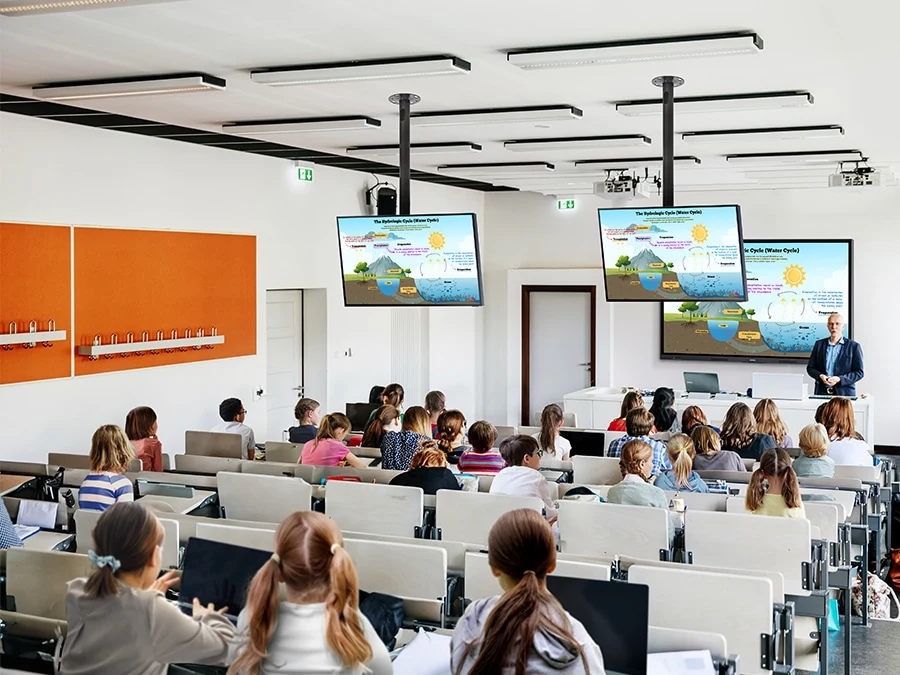
USB-C combines screen mirroring, touch and up to 65 W charging. HDMI output shares content to another screen; the OPS slot supports a compatible Windows module.
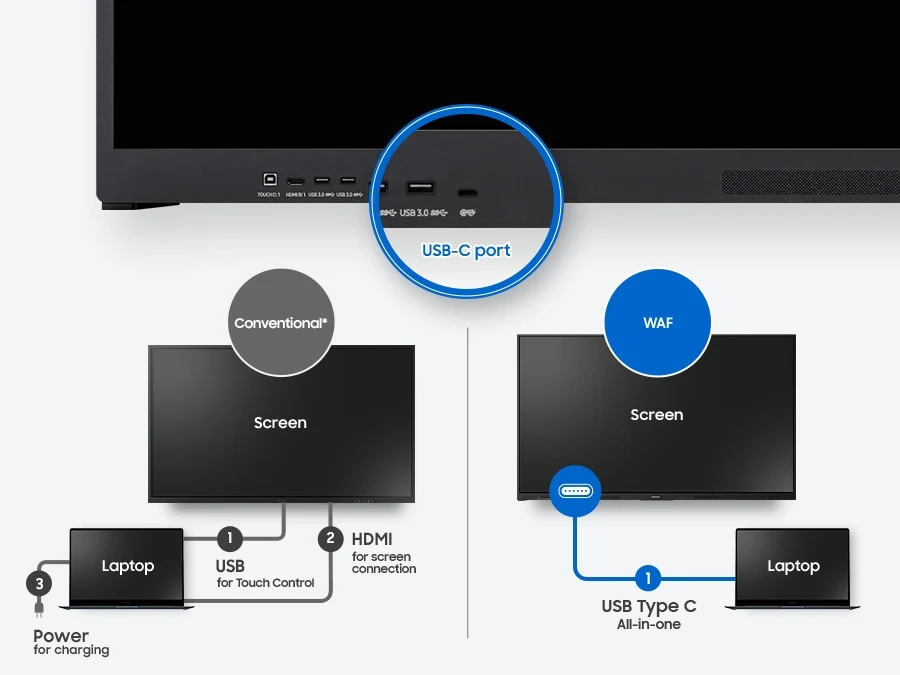
Samsung WAF — At the top, the showcases the ports on the WAF display, with a magnified overlay of the USB-C port. Below this, a comparative diagram contrasts the setup requirements between a conventional display and the WAF display. The conventional screen setup, requires three distinct connections to a laptop: 1. USB for touch control, 2. HDMI for screen connection, and  3. a separate power cable. In contrast, the WAF display only needs a 1. USB-C connection all-in-one, demonstrating how it achieves the same connectivity with just a single cable.
Samsung feature illustration; screen content simulated.
Samsung WAF — In a large classroom filled with students, a central 75-inch WAF display mirrors its educational content onto smaller ceiling-mounted screens, ensuring visibility for all through HDMI connectivity.
Samsung feature illustration; screen content simulated.
Samsung WAF — Right side of the features a close-up of the WAF Display's OPS Slot at the rear, while the left side showcases the display with a Windows UI and wallpaper.
Samsung feature illustration; screen content simulated.

Accessible controls and device management

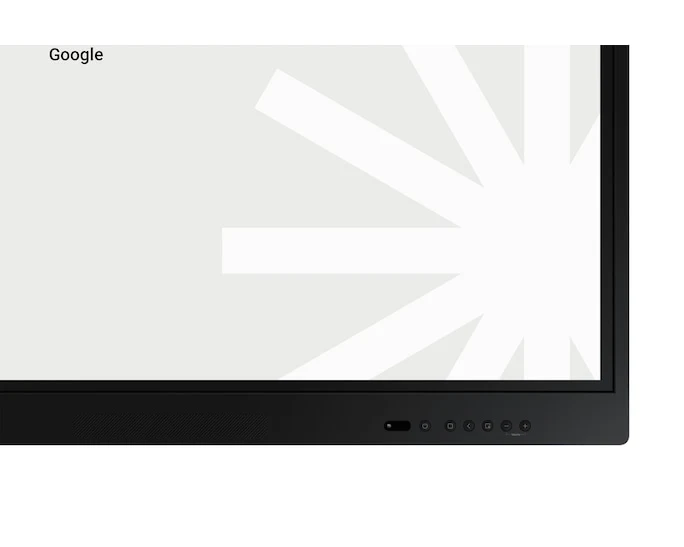
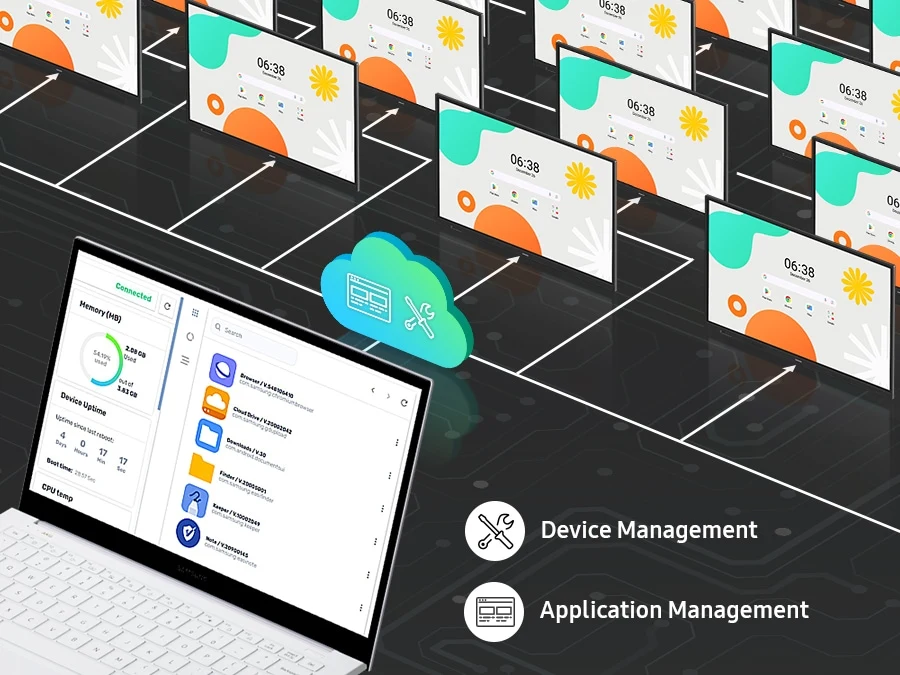
Front-facing controls provide quick access. An on-premises device-management solution supports remote settings, applications and messaging. App availability can change.
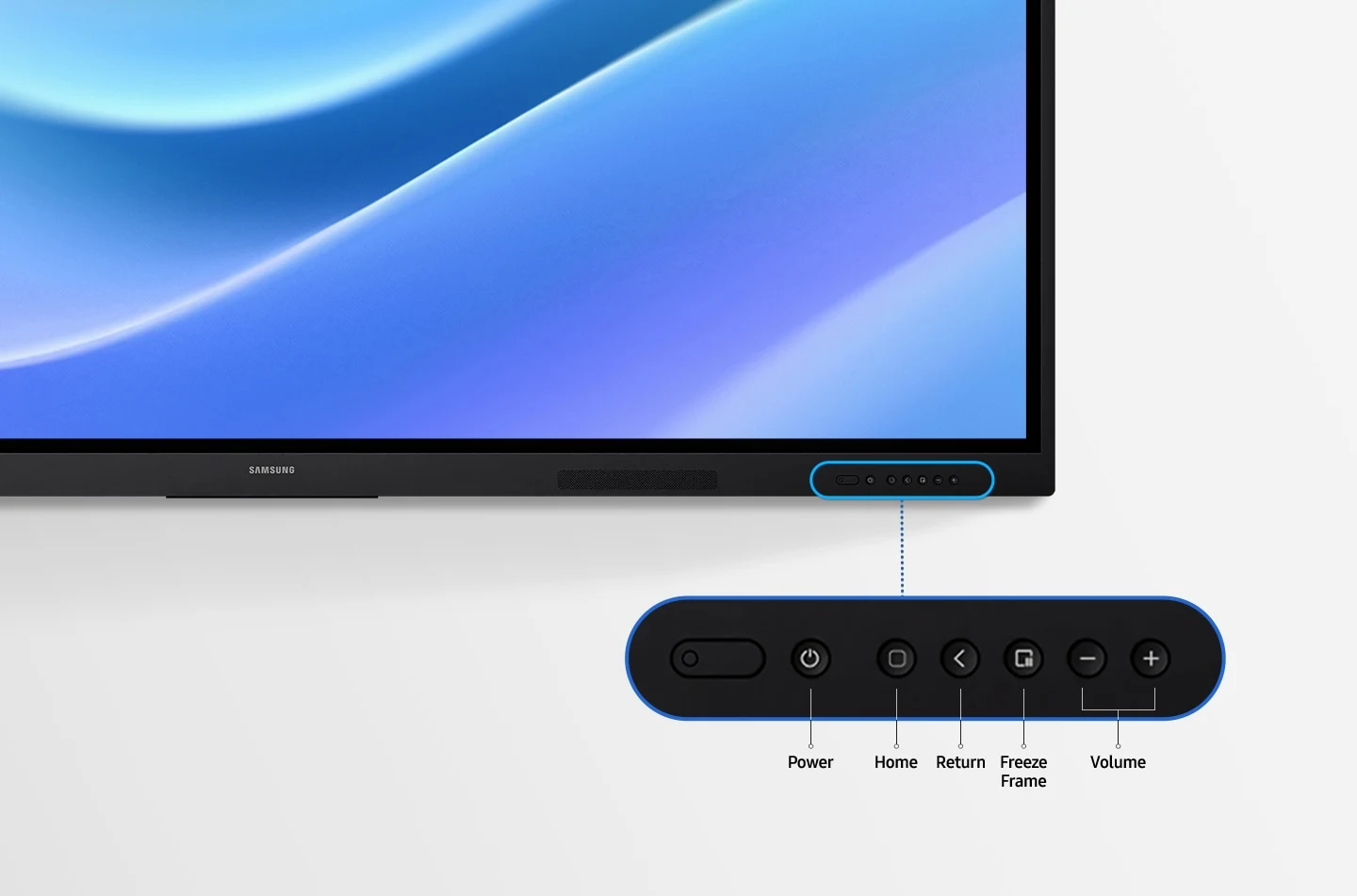
Samsung WAF — Front panel controls for intuitive navigation
Samsung feature illustration; screen content simulated.
Samsung WAF — An illustrating a laptop in the bottom right corner, connected to multiple WAF displays arranged in a grid-like fashion above. Each WAF screen mirrors the apps shown on the laptop, demonstrating the laptop's central management capability.
Samsung feature illustration; screen content simulated.
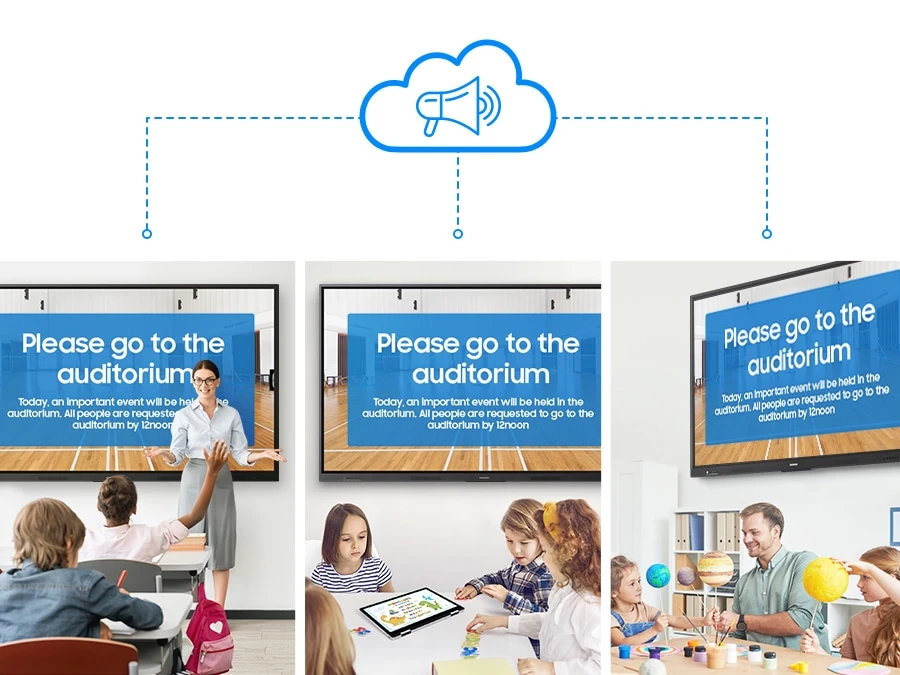
Samsung WAF — There is a cloud-shaped notification icon at the top, with three distinct classrooms depicted below, each equipped with a WAF display. The screens of all three WAFs show an identical message: 'Please go to the auditorium,' illustrating a unified communication system across different spaces.
Samsung feature illustration; screen content simulated.

Specifications

Display
Diagonal Size65"
Panel TypeIPS
Resolution3,840 × 2,160
Brightness (Typ)400 nit
Contrast Ratio1,200:1
Viewing Angle (H/V)178 / 178
Response Time8 ms
Colour Gamut72%
Glass Haze25%
H-Scanning Frequency135 kHz
Maximum Pixel Frequency78 MHz
V-Scanning Frequency60 Hz
Operation Time Support12/7
Connectivity
HDMI In2
HDMI Version2.1
HDCP Version2.1
USB4
Audio InStereo Mini Jack
Audio OutStereo Mini Jack
Video OutYes
RS232 InYes
RJ45 InYes
Wi-FiWi-Fi 5: 802.11ac
BluetoothYes
USB-C FeaturesScreen mirroring, touch control and up to 65 W external-device charging
OPS SlotYes
Power
Power SupplyAC 100–240 V, 50/60 Hz
Power Consumption (Sleep Mode)0.5 W
Power Consumption (On Mode)409 W
Dimensions and Weight
Set Dimensions (W × H × D)1482.1 × 897.5 × 87.7 mm
Package Dimensions (W × H × D)1640 × 1010 × 185 mm
Set Weight36.2 kg
Package Weight44.5 kg
Operating Conditions
Temperature0–40°C
Humidity10–80%, non-condensing
Mechanical
Bezel ColourBlack
Frame MaterialAluminium
VESA Mount600 × 400 mm
Bezel Width14.0 mm
System and Touch
OS VersionAndroid 14
Flash Memory64 GB
TouchYes
Touch TechnologyIR
Multi-touchUp to 40 simultaneous touch points
Google ServicesEDLA certified
Certification and Compliance
EMCFCC CFR Title 47, Part 15, Subpart B / EN55032:2015+A11:2020
SafetyIEC62368-1 / UL62368-1 / IEC60950-1 / IS13252

Business Resources

WhatsApp