
Samsung
Model: WM55F | LH55WMFWBGCXXS
S$3,529.00
Estimated Total: S$3,529.00
Estimate only, subject to quotation. Installation and delivery are not included.Interactive collaboration for modern meeting spaces.
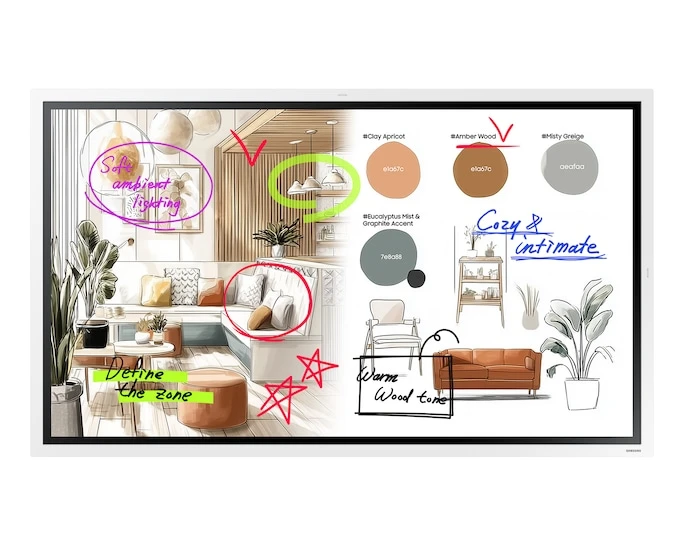
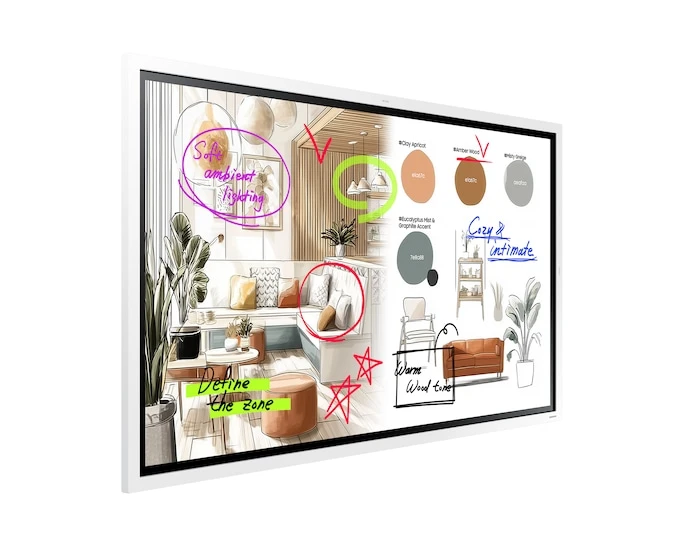
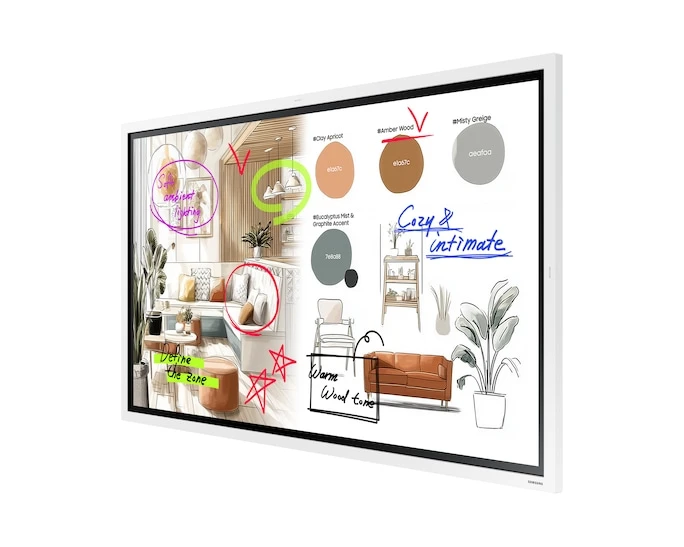
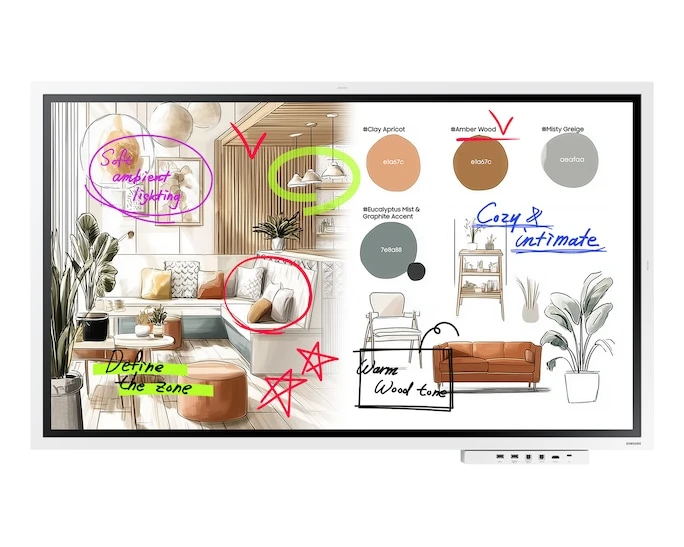
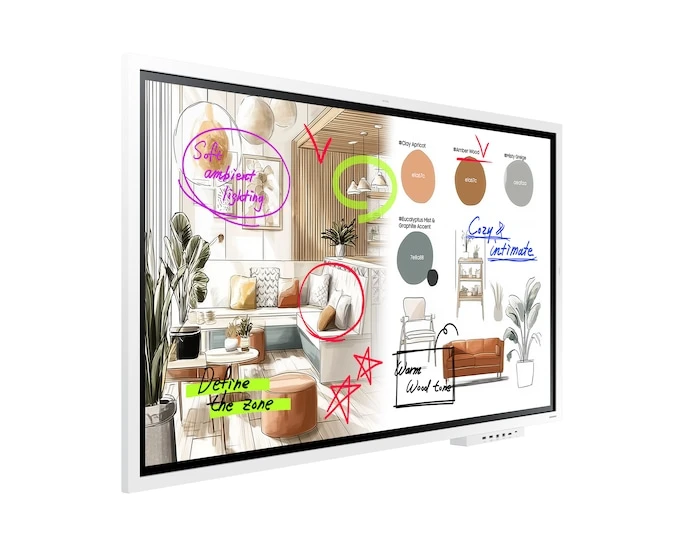
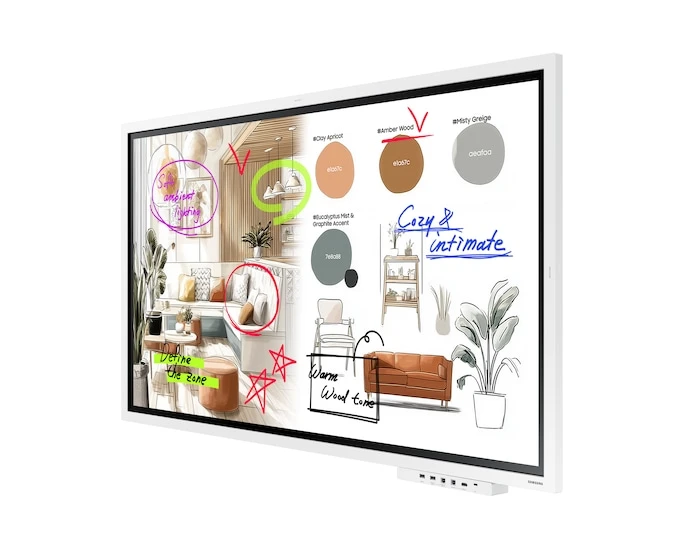
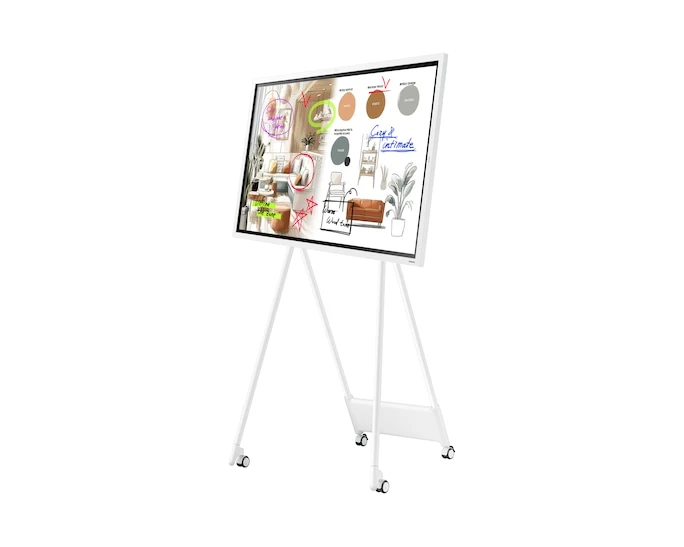
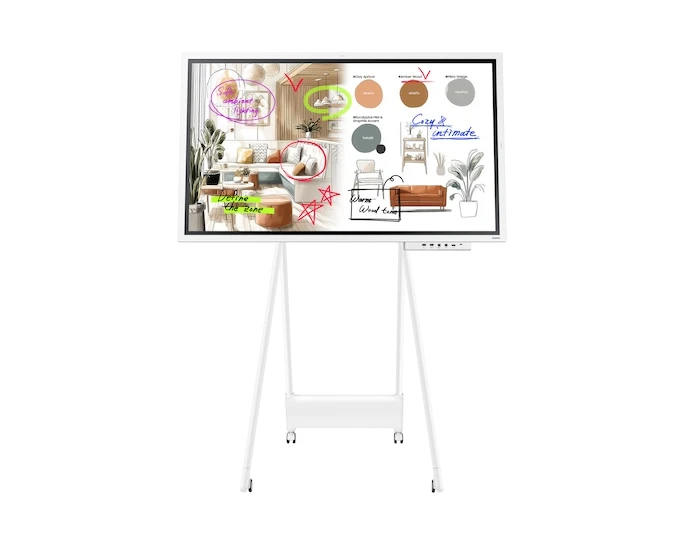
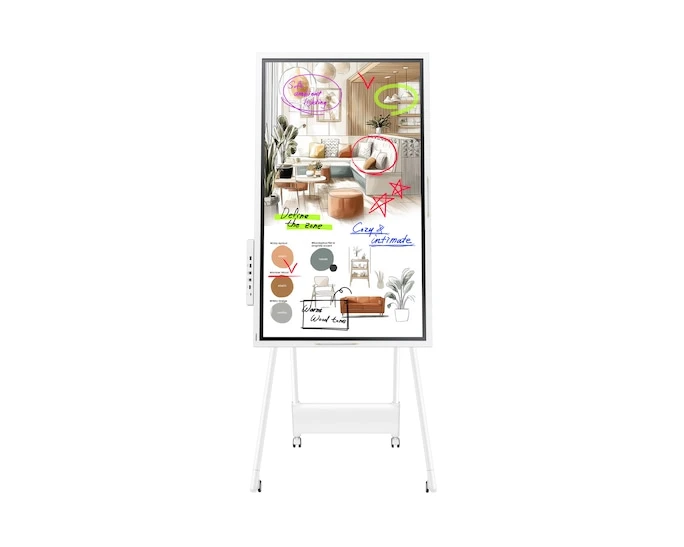
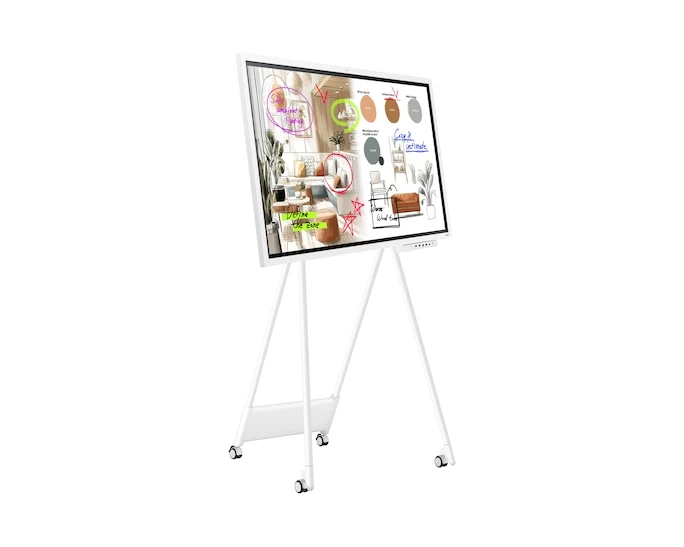
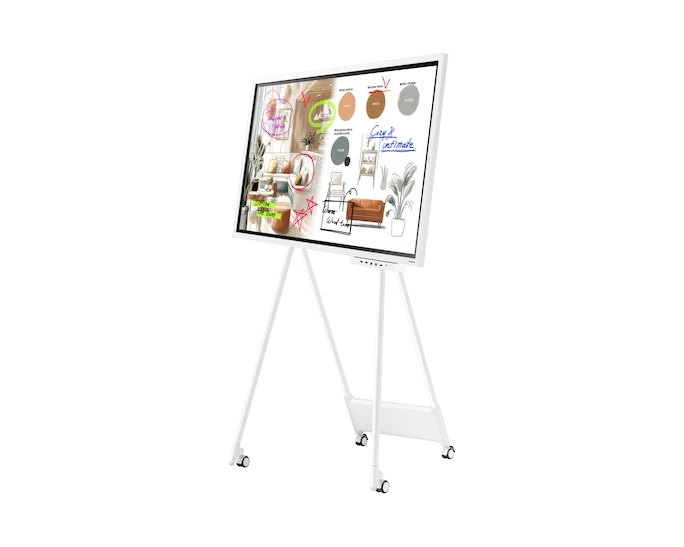
Samsung WM55F is a 55-inch class 4K interactive display for meeting rooms and collaborative workspaces. Tizen 9.0, precise pen input, editable whiteboards, wireless screen sharing and USB-C connectivity help teams present, annotate and develop ideas together.
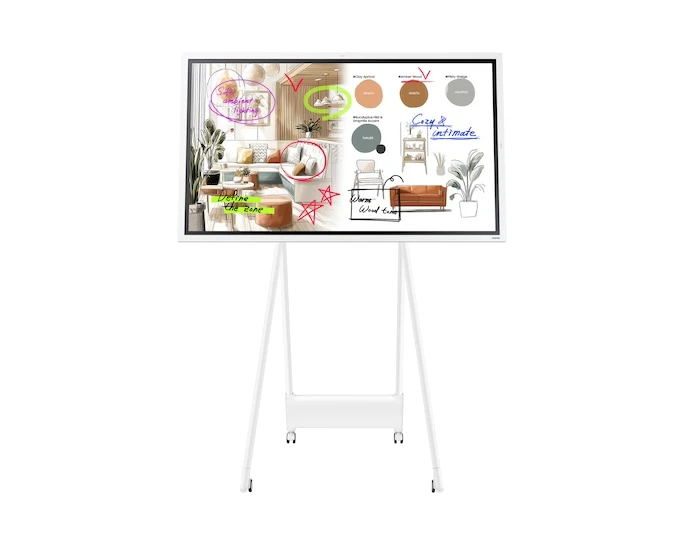
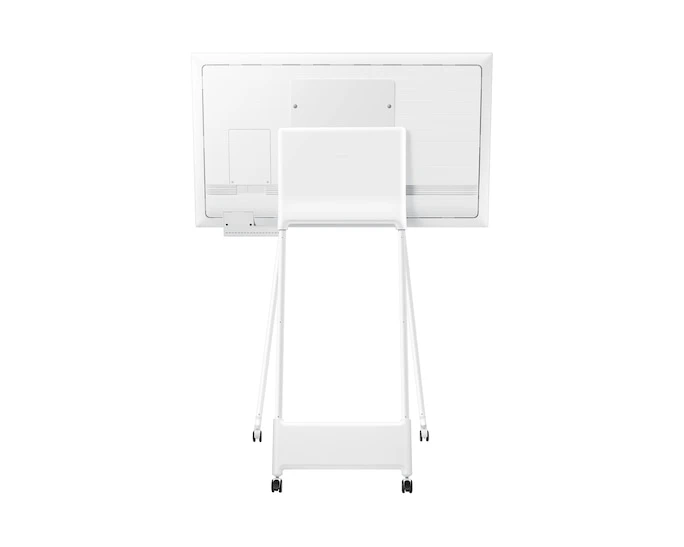
The Flip brings shared presentations, writing and collaboration to meeting rooms. Samsung scenes are illustrative; stands and optional accessories shown are sold separately.

Writing, whiteboard tools and connected collaboration are presented together in Samsung's feature overview.
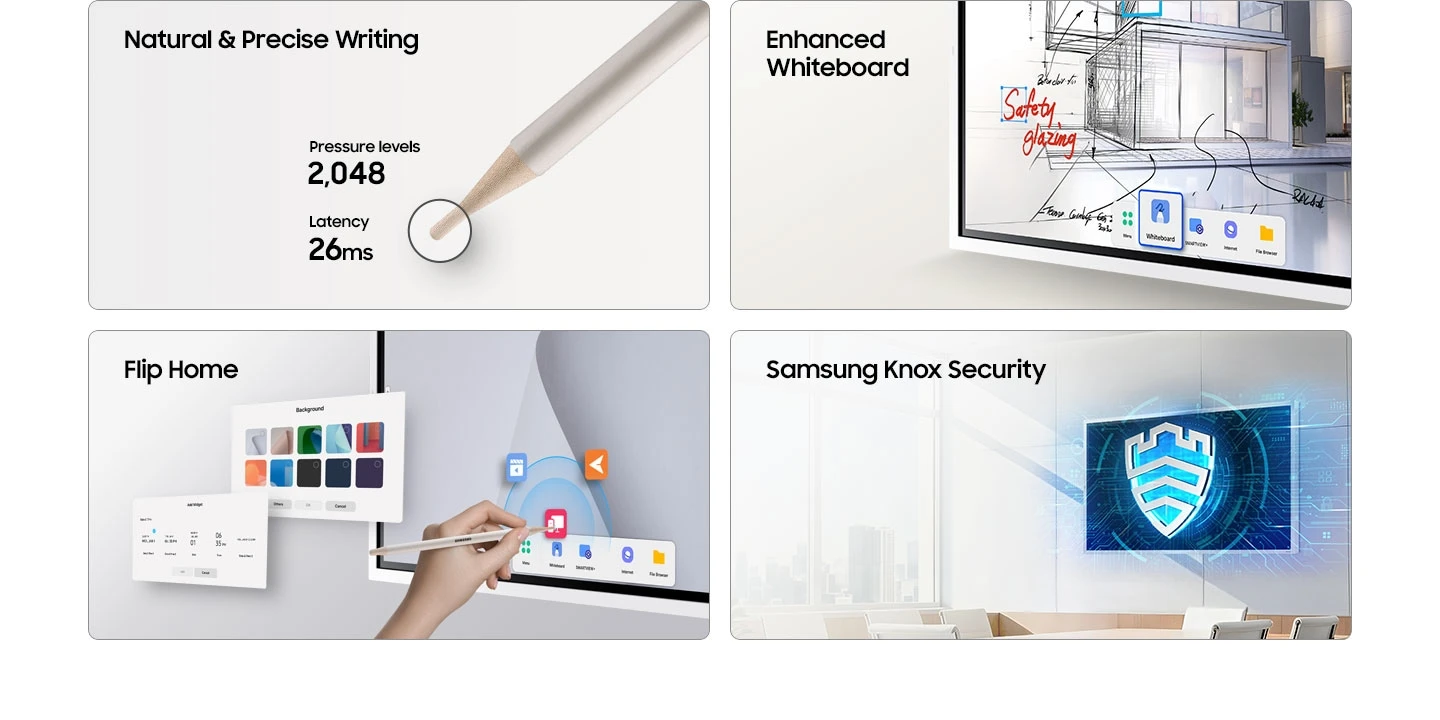
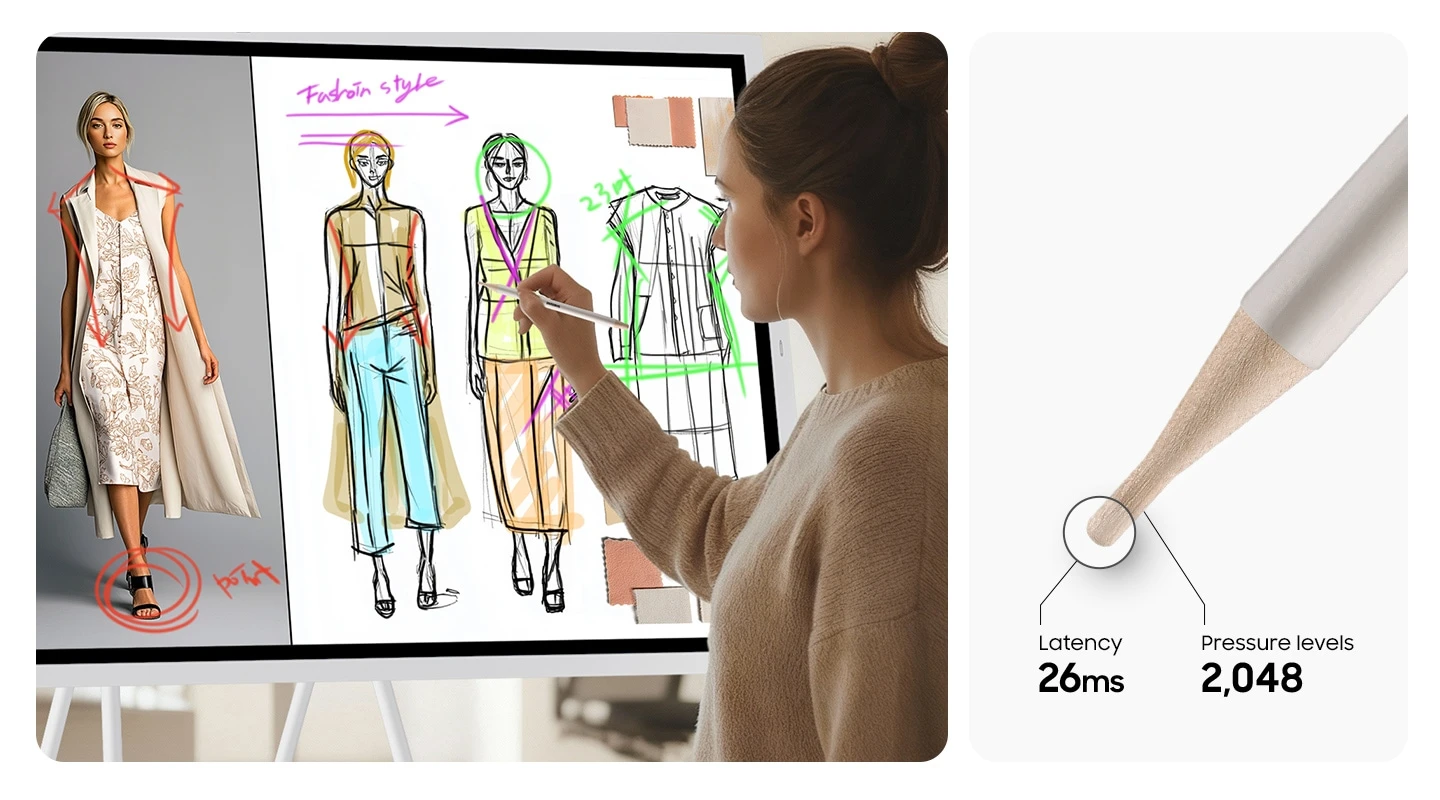
A 26 ms writing response and 2,048 pressure levels support natural pen input. Hand or palm erasing allows quick corrections.
Move and resize notes or sketches while retaining clarity. The AI Writing Tool supports handwriting in search fields and refines rough shapes.
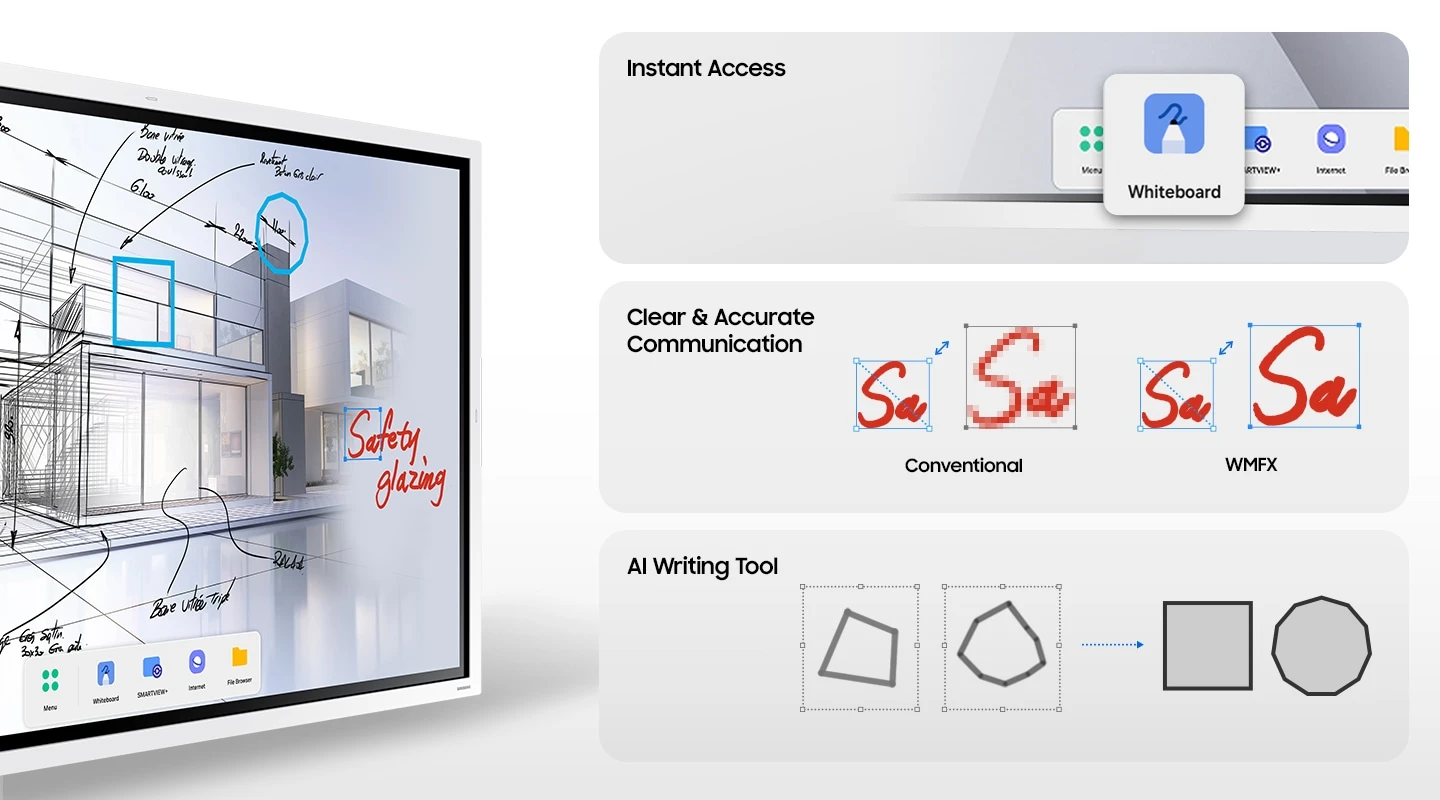
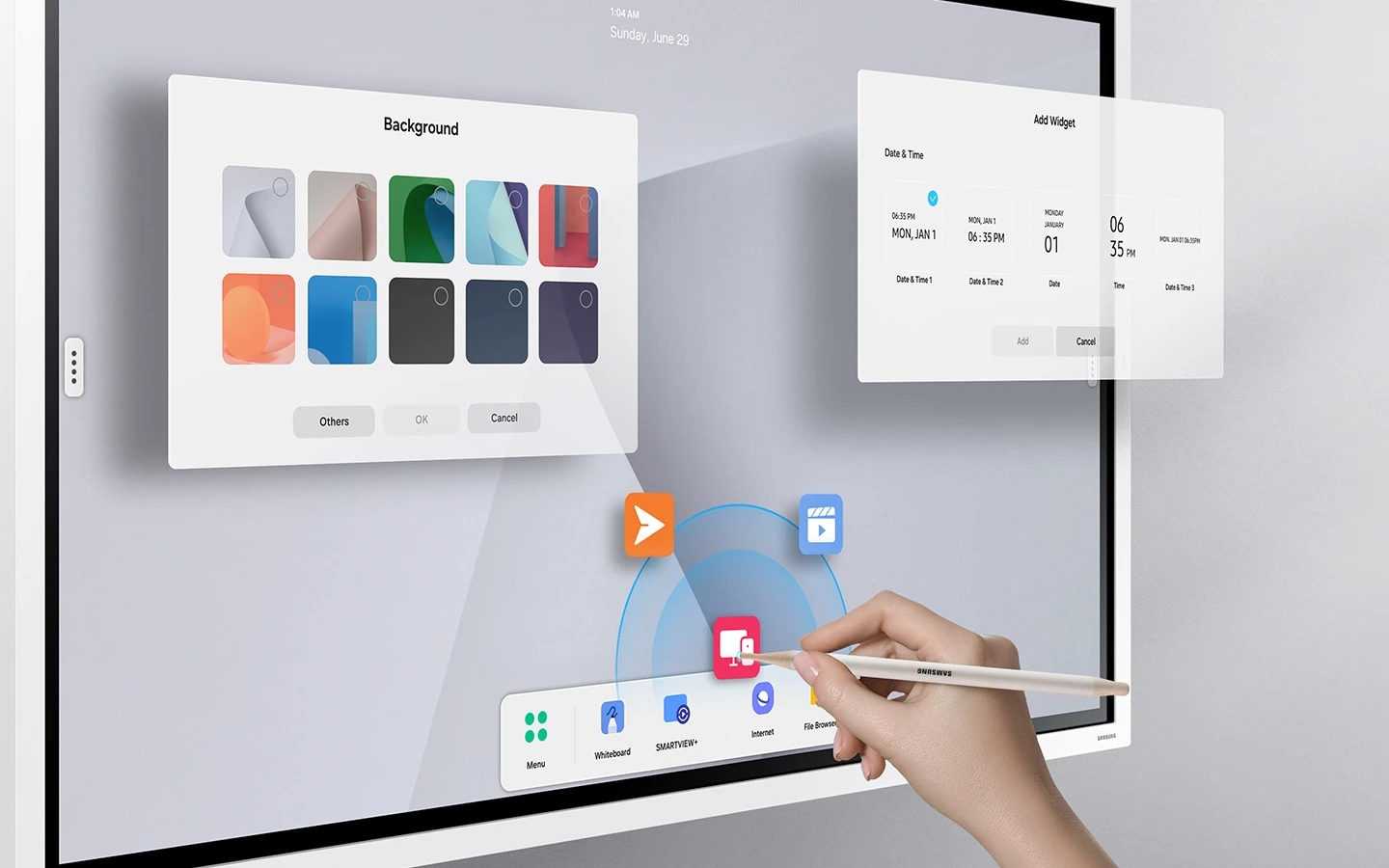
A customisable toolbar provides quick access to Whiteboard, Note On, Workspace and Screen Share.
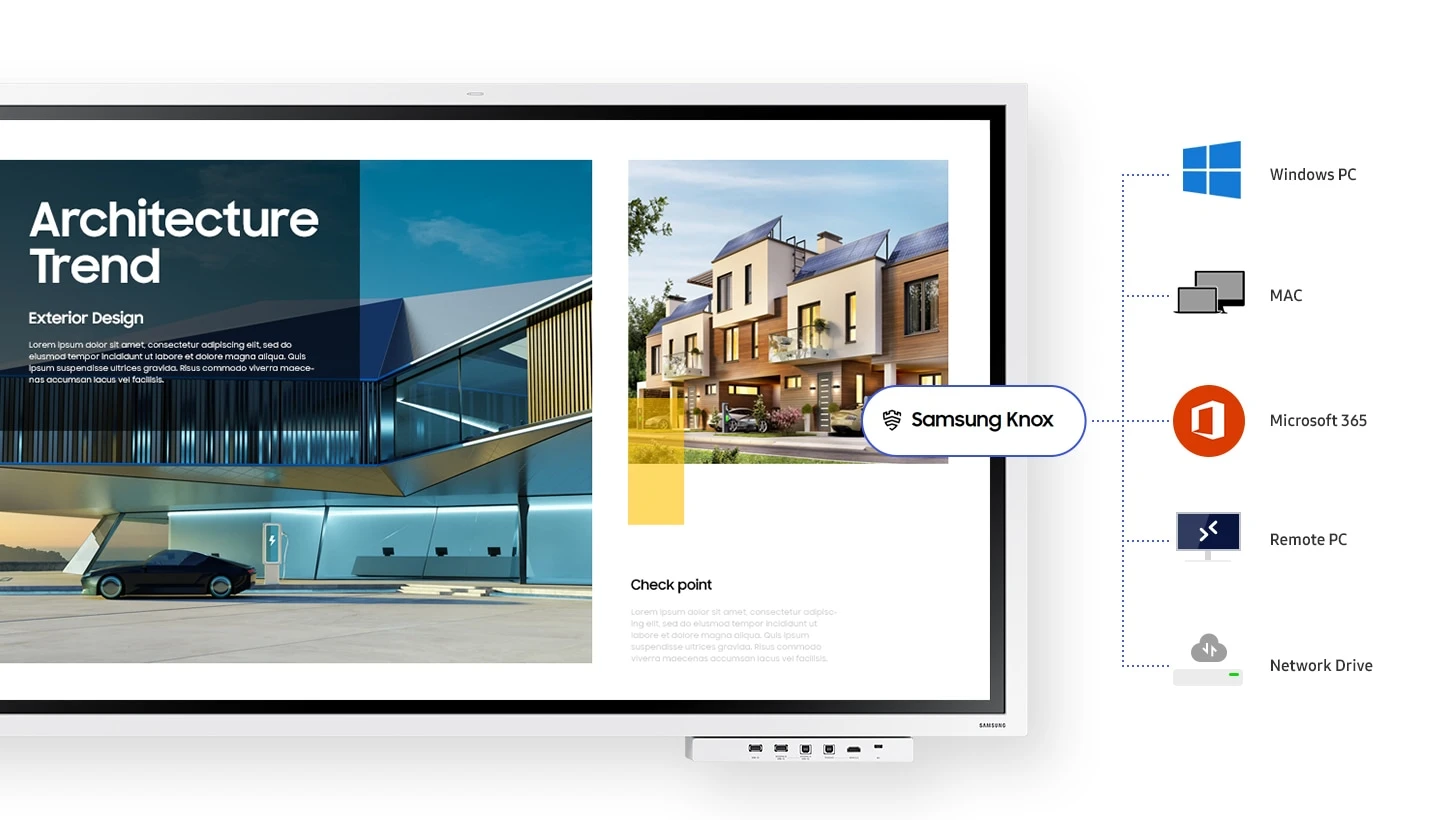
Samsung Knox provides layered protection against unauthorised access and data leaks during connected collaboration.

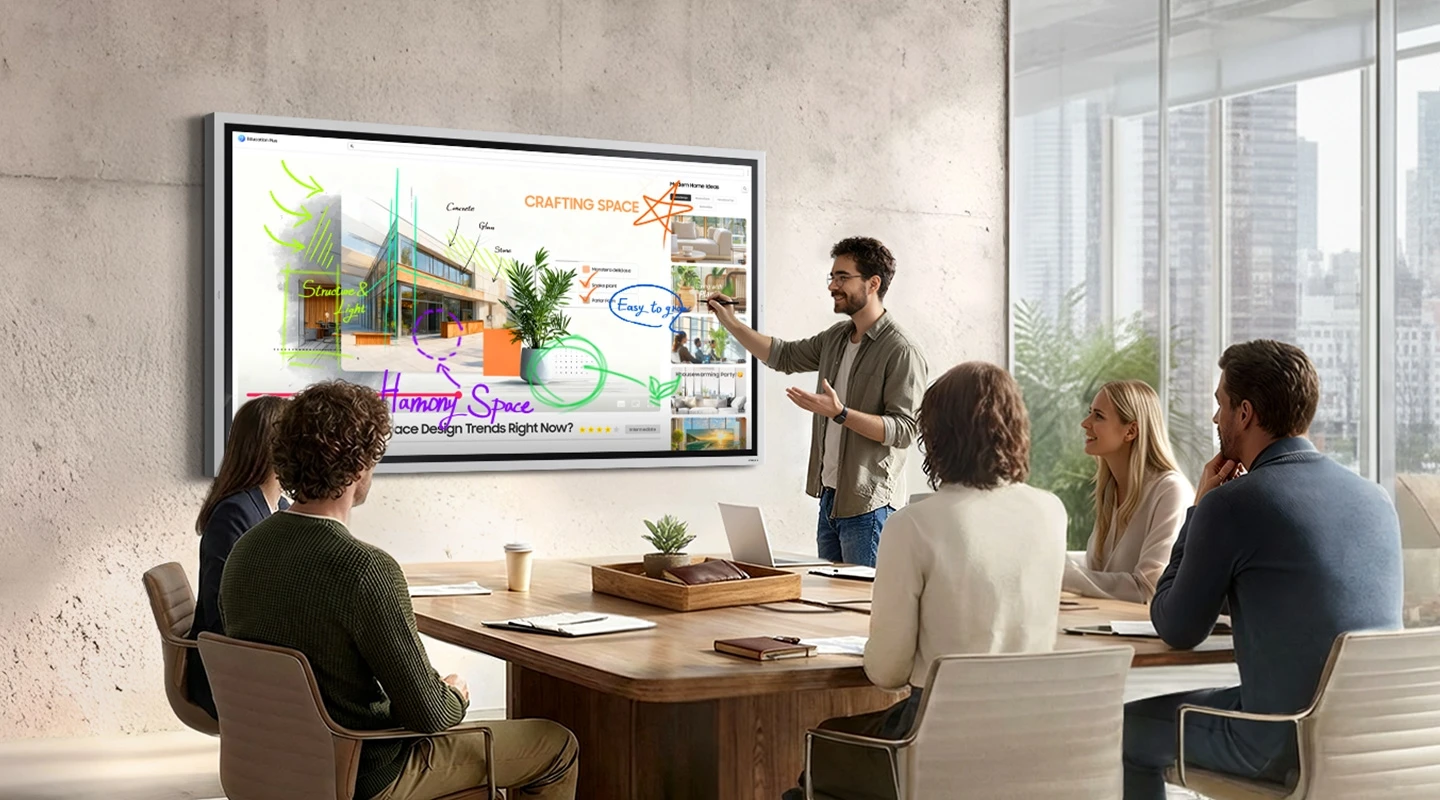
Write over displayed content while viewing video or browsing, without interrupting the session to take a screenshot.
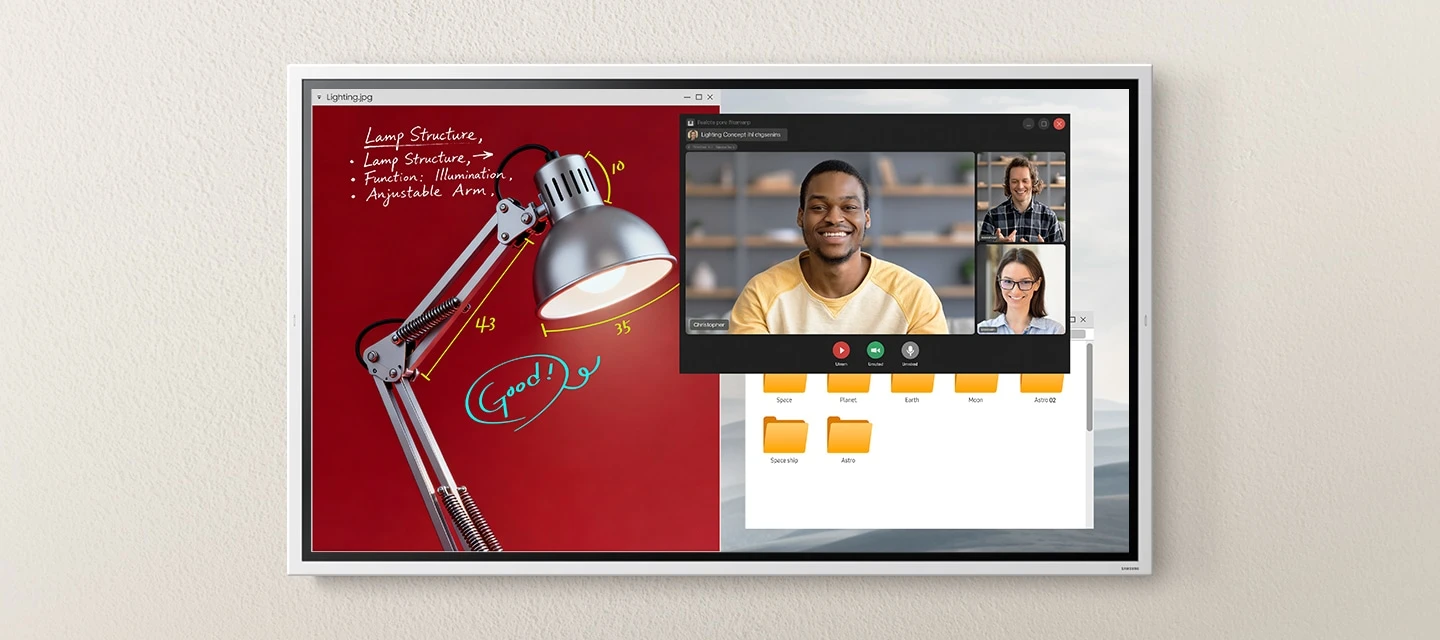
Review documents, browse the web and take notes using multiple windows on the same screen.
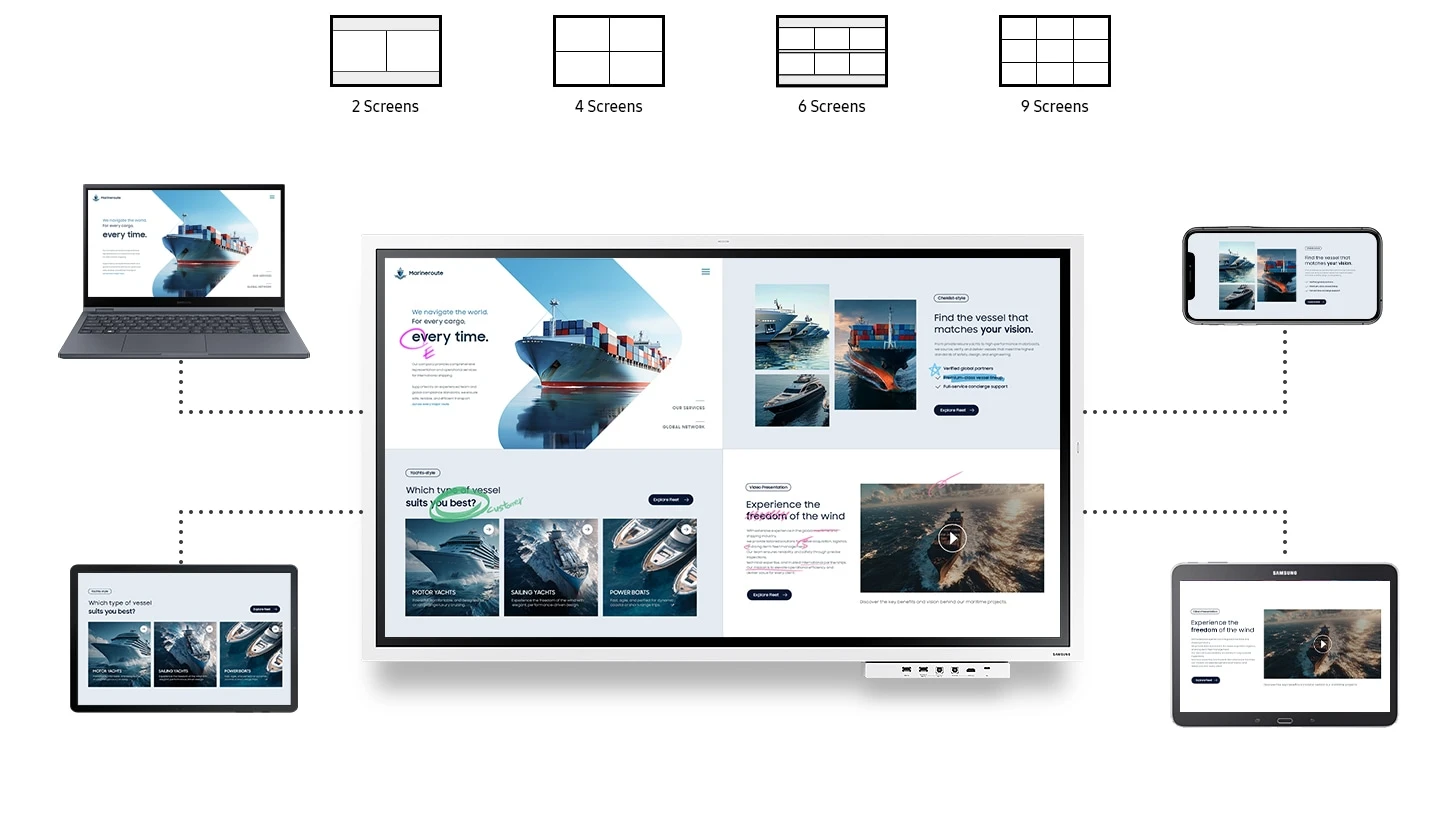
Share content from up to nine compatible devices and switch between them. Connection performance depends on compatible devices and the network environment.
Share content wirelessly from compatible iPhone, iPad or Mac devices using built-in AirPlay 2.

Access a remote PC, network drive or supported business applications such as Microsoft 365. Services and connectivity depend on the environment and provider; Samsung recommends Windows 11 Pro or higher for a more stable remote PC experience.
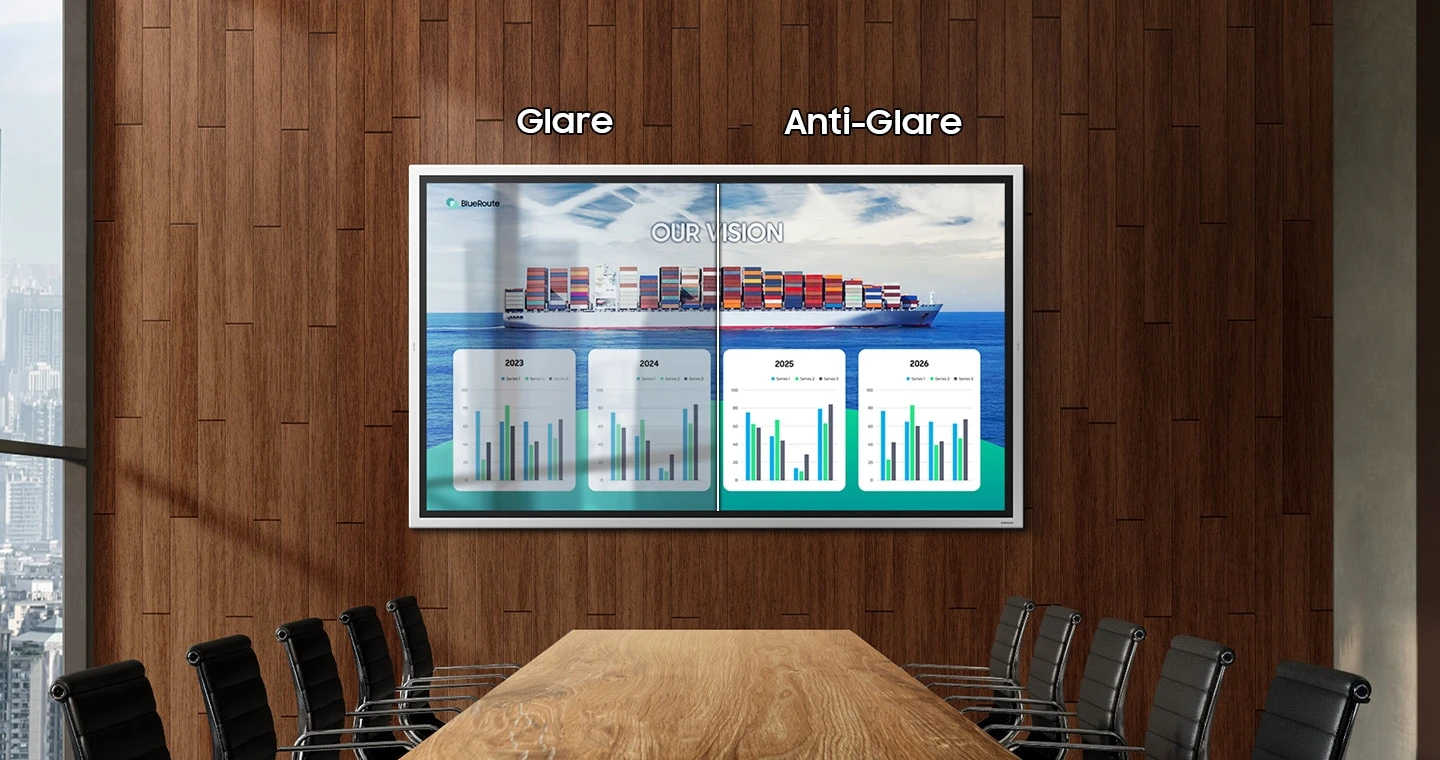
The anti-glare coating helps reduce reflections in well-lit meeting spaces. Refer to the model-specific specifications for brightness and glass qualifications.
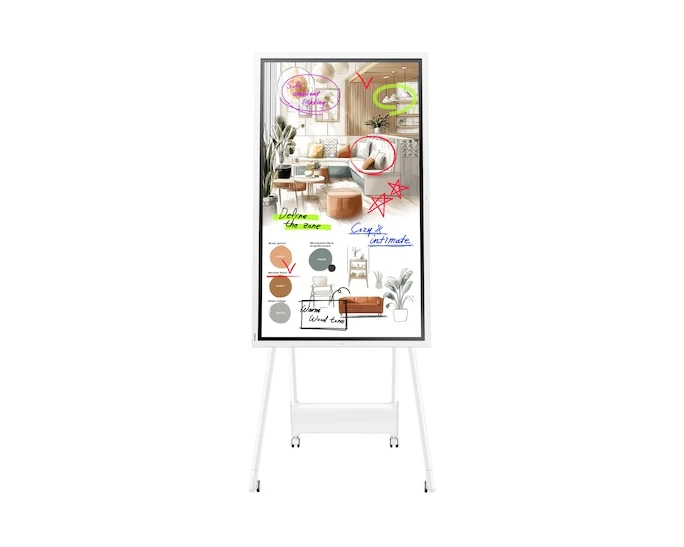
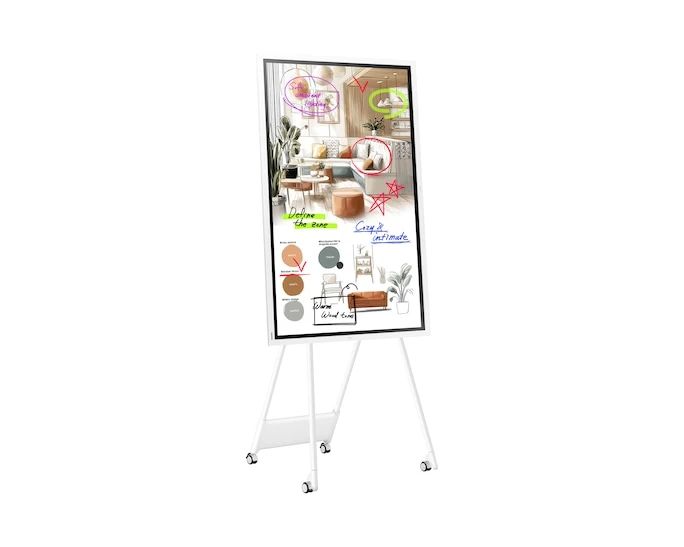
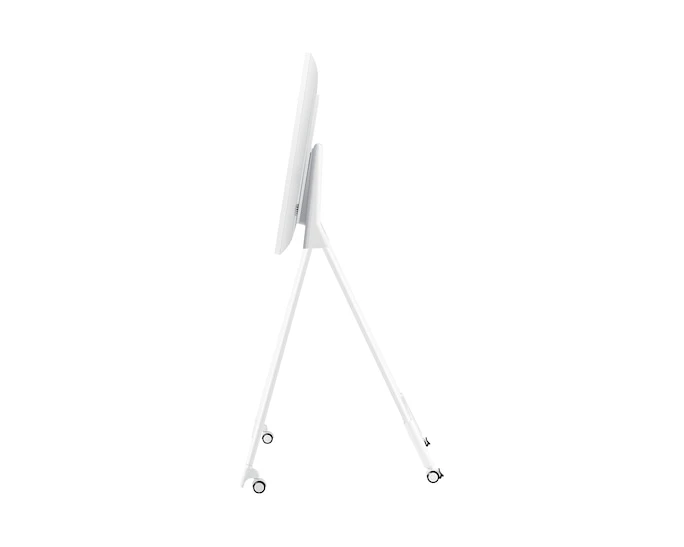
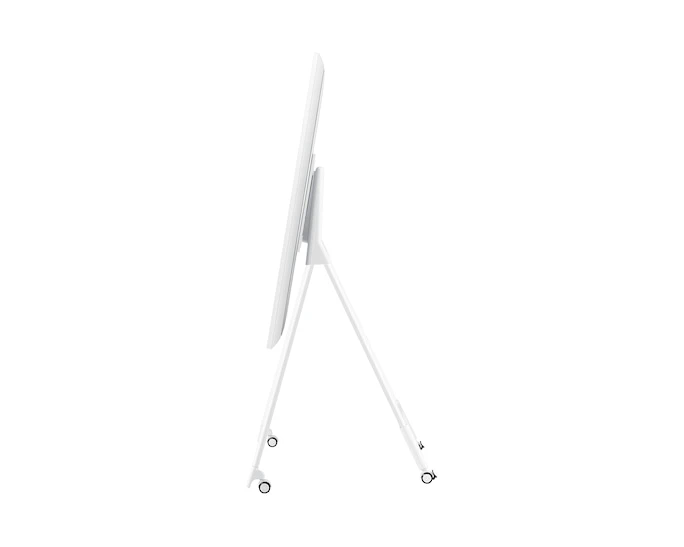
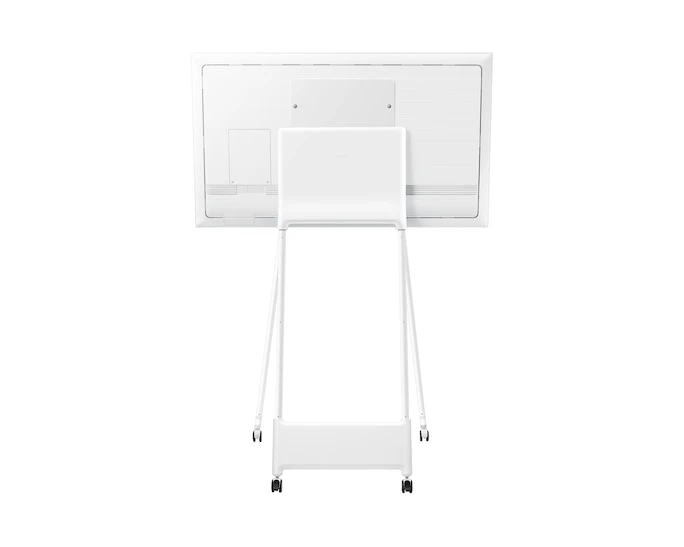
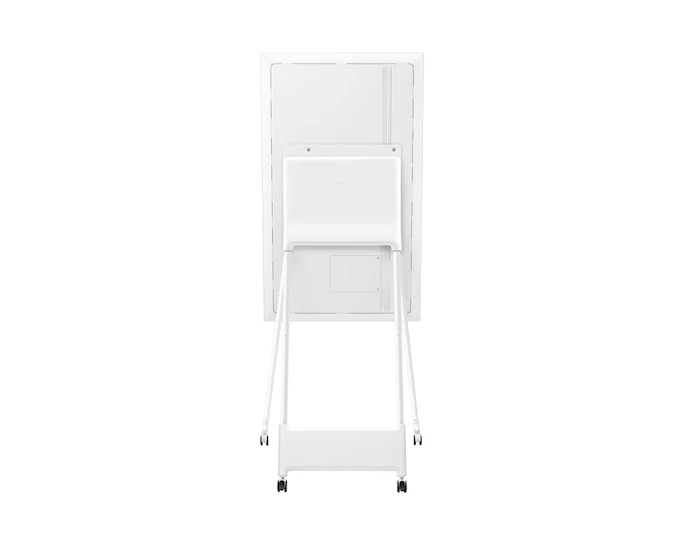
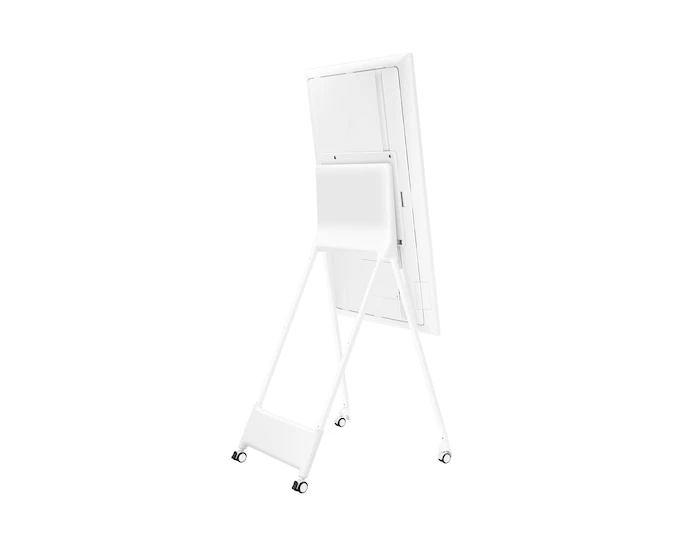
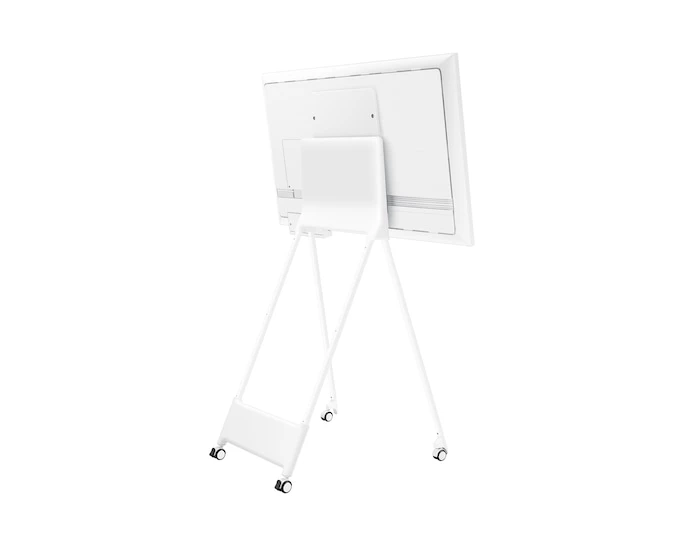
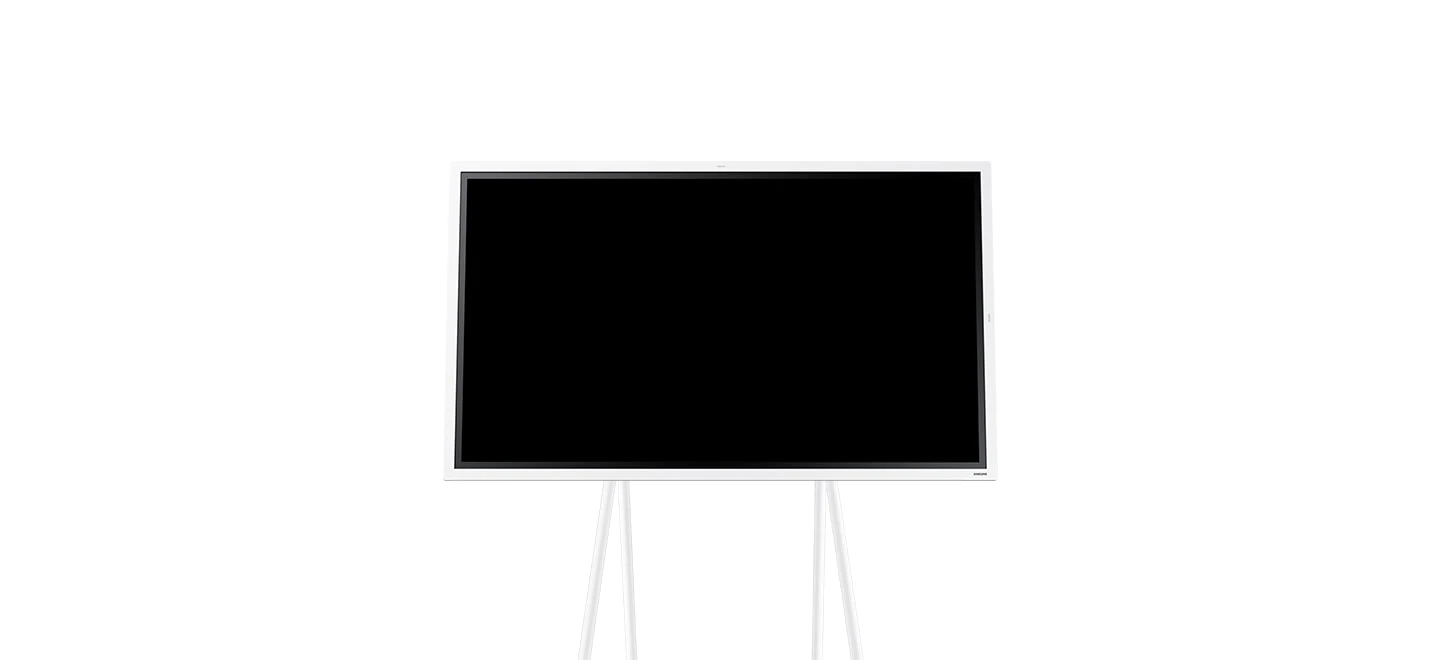
Use portrait or landscape orientation with the appropriate mounting arrangement. Rotation applies to the 55-inch and 65-inch models only; the stand is sold separately.
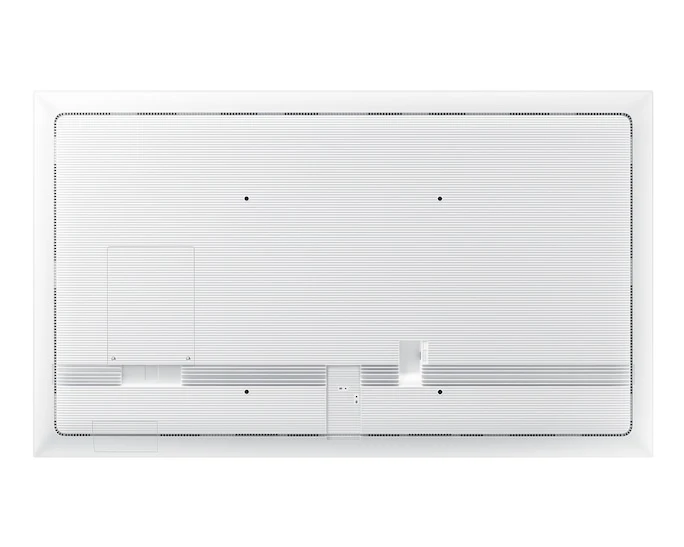
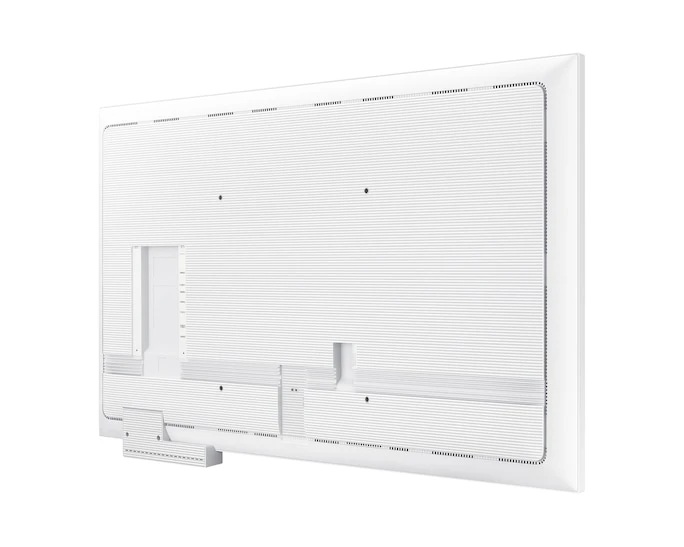
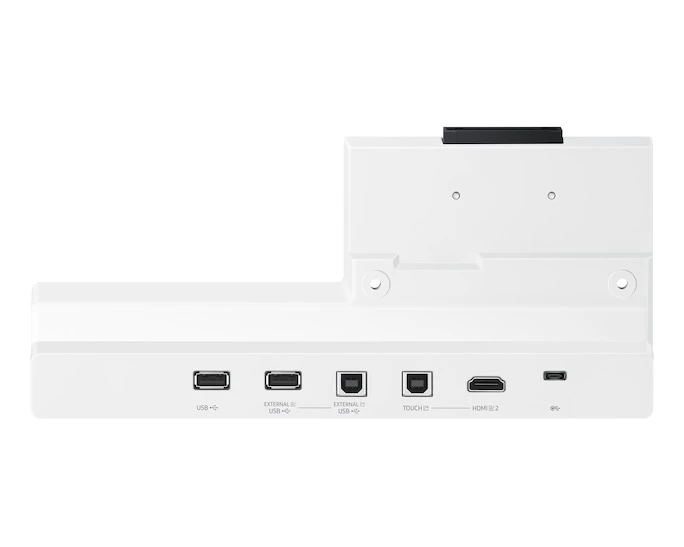
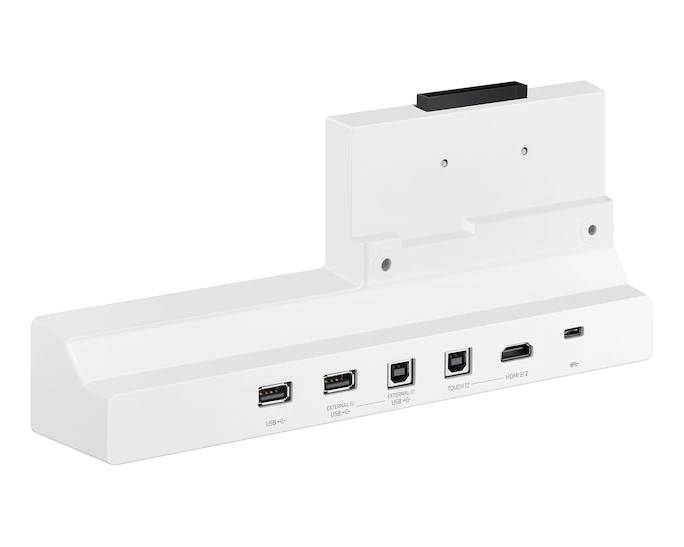
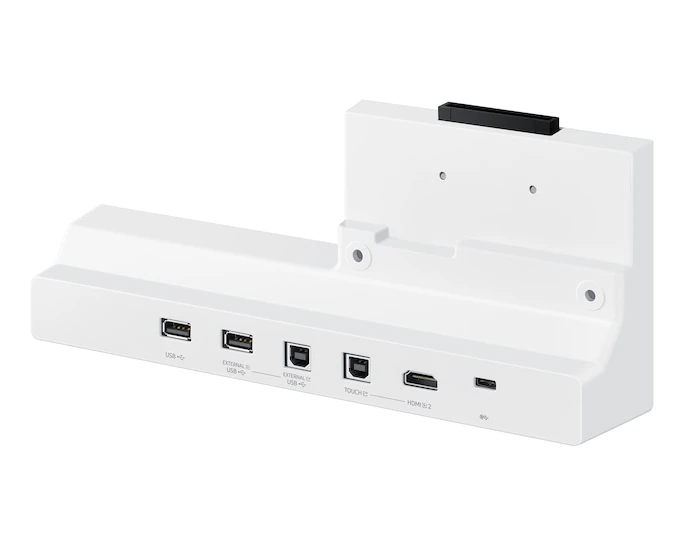
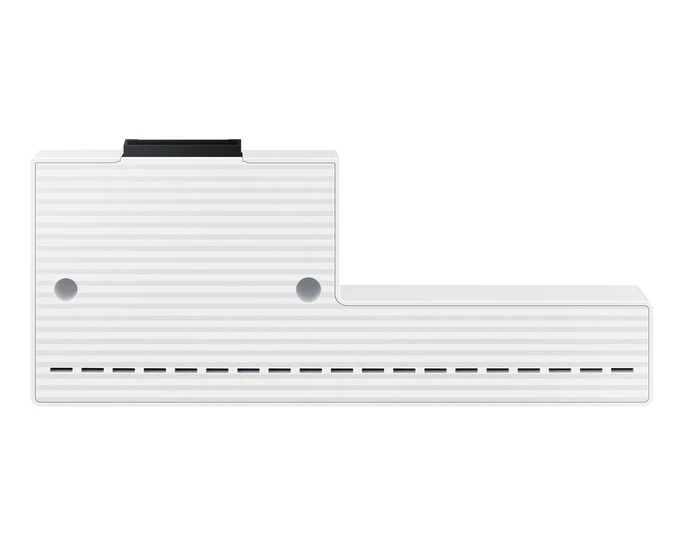
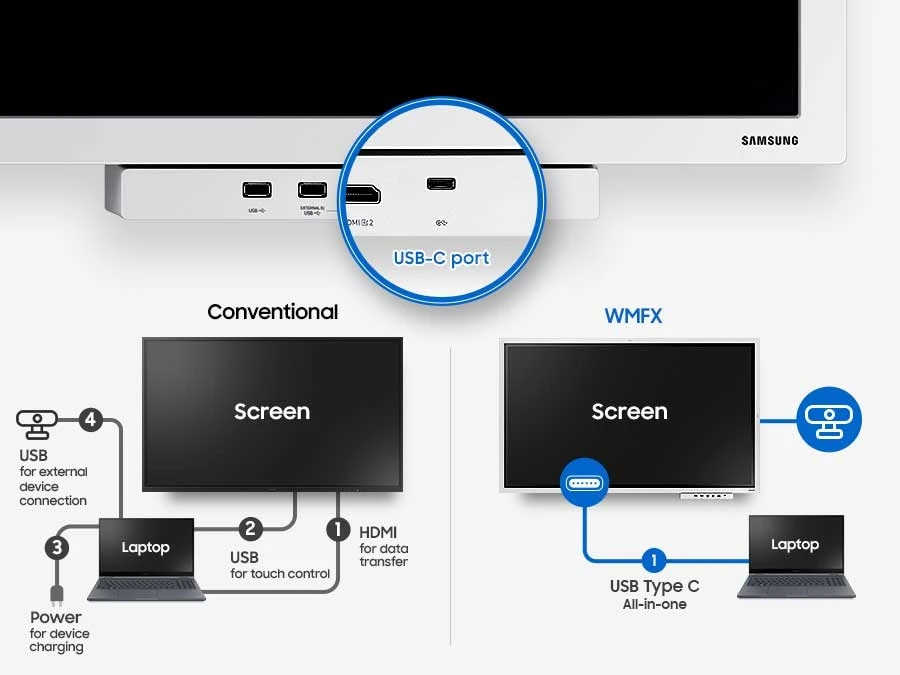
The USB-C hub allows connected peripherals to be shared between the Flip and a connected PC. Confirm the required tray or accessory configuration for the selected model; optional accessories are sold separately.
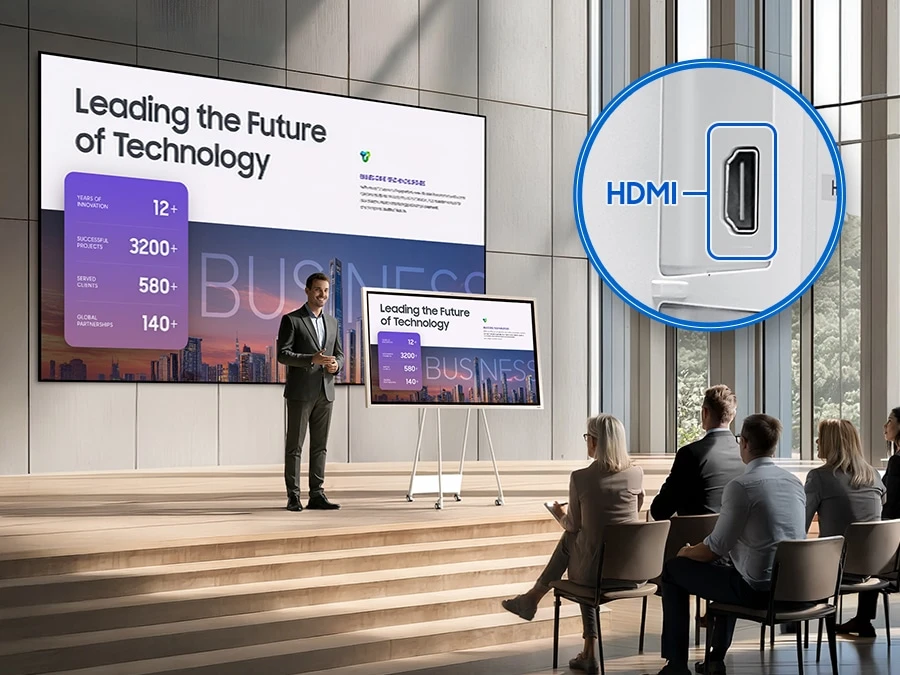
Mirror meeting content to another display or projector so participants can follow presentations across a larger room.
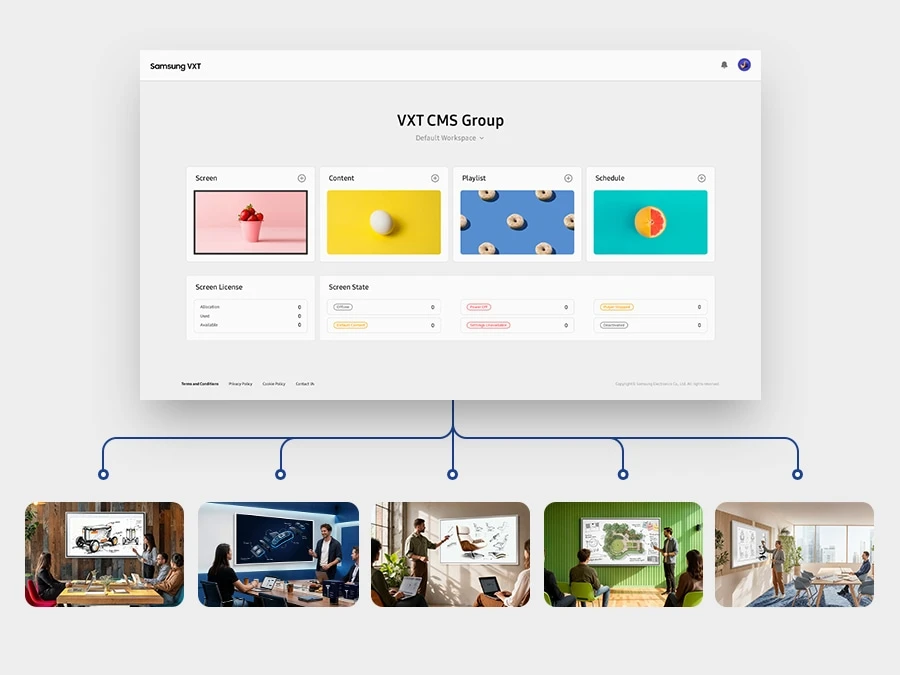
Samsung VXT combines content and remote device management. VXT is sold separately; availability varies by region and the user interface may change.
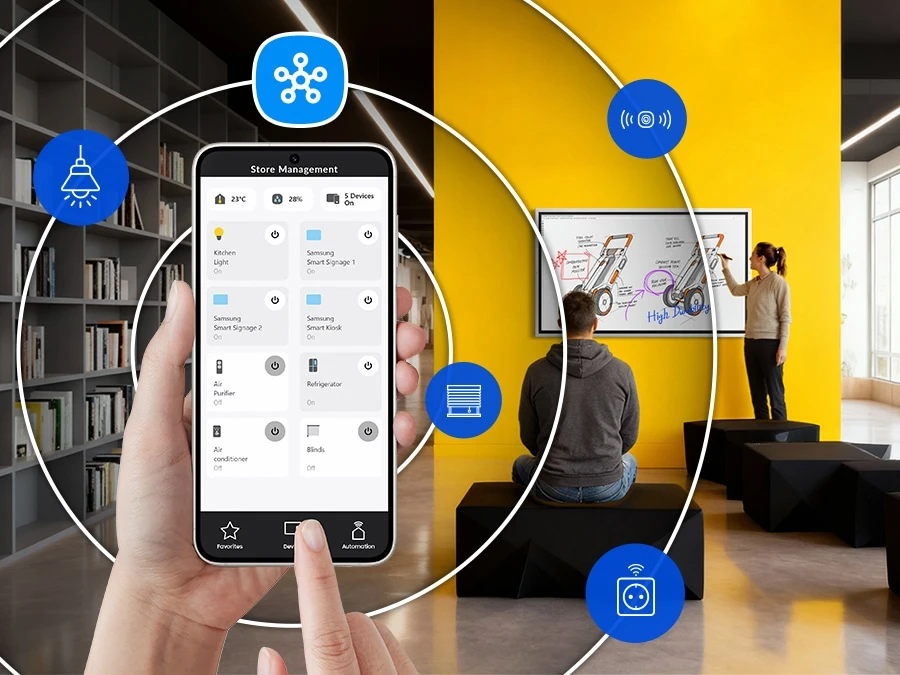
Connect supported business devices for coordinated monitoring and control through SmartThings Pro. The solution is sold separately and availability varies by region.
| Diagonal Size | 54.6" |
|---|---|
| Panel Type | VA |
| Resolution | 4K (3840 x 2160) |
| Pixel Pitch (HxV) | 0.315 x 0.315 mm |
| Brightness (Typ) | 450(w/o glass) |
| Contrast Ratio | 4,000:1(without Glass) |
| Viewing Angle (H/V) | 178 / 178 |
| Response Time | 9.5 (GTG) |
| Color Gamut (NTSC Coverage) | 72 % |
| Glass Haze | 2%(without glass) |
| H-Scanning Frequency | 30 - 81 kHz |
| Maximum Pixel Frequency | 148.5 MHz |
| V-Scanning Frequency | 48 - 75 Hz |
| Operation Time Support | 12/7 |
| HDMI In | 2 (1 internal, 1 option tray) |
|---|---|
| Version of HDMI | 2.0 |
| Version of HDCP | 2.2 |
| USB | 1(Rear), 1 (with optional tray) |
| Audio Out | Stereo Mini Jack |
| Video Out | Yes |
| RS232 In | Yes |
| RJ45 In | Yes |
| WiFi | Yes |
| Bluetooth® | Yes |
| Power Supply | AC 100 - 240 V 50/60 Hz |
|---|---|
| Power Consumption (On Mode) | 154 W |
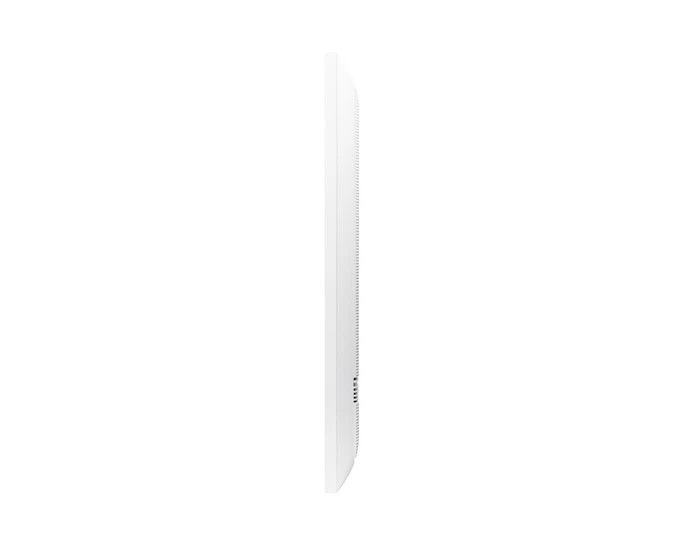
| Set Dimension (WxHxD) | 1297.4 x 768.2 x 59.9 mm |
|---|---|
| Package Dimension (WxHxD) | 1464 x 915 x 190 mm |
| Set Weight | 28.6 kg |
|---|---|
| Package Weight | 35.9 kg |
| Temperature | 0 ~ 40 ℃ |
|---|---|
| Humidity | 10 ~ 80 (Non-Condensing) |
| VESA Mount | 400 x 400 mm |
|---|---|
| Bezel Width | 26.2(Even) |
| Bezel Color | Gray White |
| Frame Material | Non-Glossy(Plastic) |
| Touch | Yes |
|---|---|
| Mount | Yes(Model Name : WMN-4277SF) |
| Stand | Yes(Model Name : STN-WM55R) |
| OS Version | Tizen 9.0 |
|---|---|
| Flash Memory Size | 64GB |
| Touch Technology | IR |
|---|
| EMC | Class A FCC (USA) Part 15, Subpart B KCC/EK (Korea) Tuner : KN32 / KN35 Tunerless : KN32 / KN35 CE (Europe) EN55032 : 2012 or 2015 EN55024:2010 or EN 55035:2017 VCCI (Japan) VCCI CISPR32:2016 CCC(China) GB/T9254-2008 GB17625.1-2012 BSMI (Taiwan) CNS13438 ( ITE EMI ) CNS14336-1 ( ITE Safety ) CNS15663 (RoHS) C-Tick (Australia) AS/NZS CISPR32:2015 GOST(Russia/CIS) ROCT CISPR 24-2013 ROCT CISPR 22:2005 |
|---|---|
| Safety | CB (Europe) : IEC60950-1/EN60950-1CCC (China) : GB4943.1-2011PSB (Singapore ) : PSB+IEC60950-1NOM (Mexico ) : NOM-001-SCFI-1993IRAM (Argentina ) : IRAM+IEC60950-1SASO (Saudi Arabia ) : SASO+IEC60950-1BIS(India) : IEC60950-1 / IS13252NOM(Mexico) : Tuner : NOM-001-SCFI-1993 Tunerless : NOM-019-SCFI-1998KC(Korea) : K 60950-1EAC(Russia) : EAC+IEC60950-1INMETRO(Brazil) : INMETRO+IEC60950-1BSMI(Taiwan) : BSMI+IEC60950-1RCM(Australia) : IEC60950-1/AS/NZS 60950-1UL(USA) : cUL60950 |
